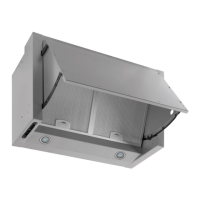
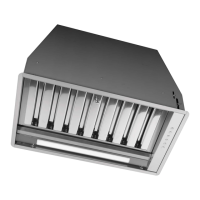
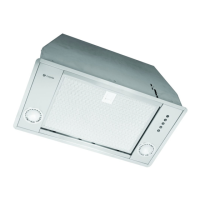
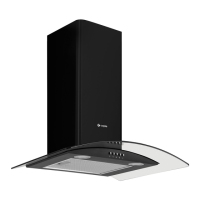
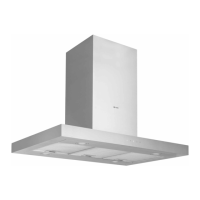
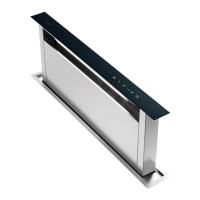
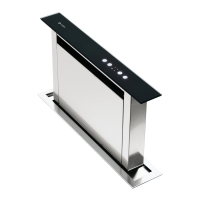
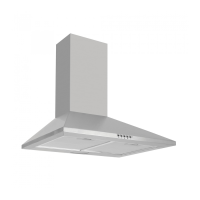
Instruction manual Zi922 17
Please keep this instruction manual for future reference
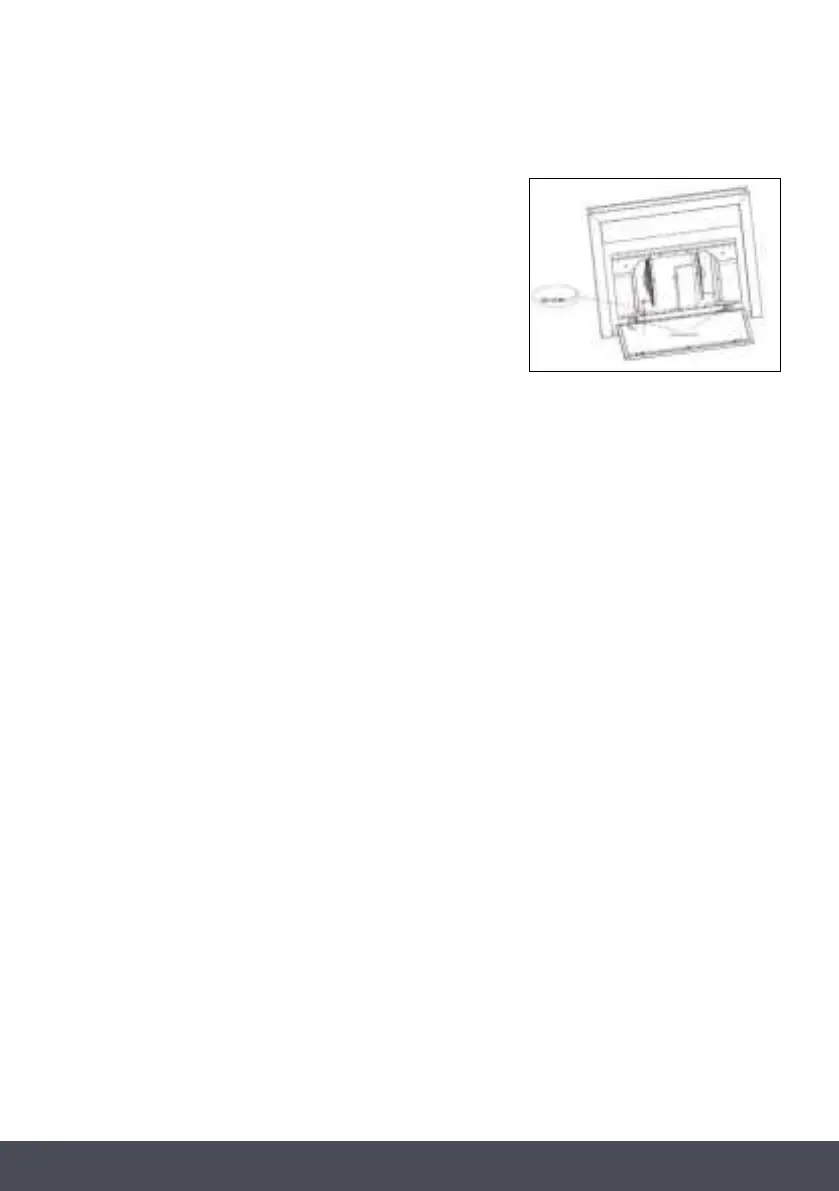
REPLACING THE LED PANEL
1. Switch the unit off and unplug the appliance.
2. Unplug the LED lamp cable.
3. Unscrew the screws and nuts on the 2 brackets.
4. Replace the LED panel and screw back
on to the brackets.
5. Plug the LED lamp cable back in.
NOTE:
The LED light panel is for illumination of the cooking area only, and not illuminating the room.


 To Next Page