user guide 29
Making Phone Calls
Making Captioned Phone Calls
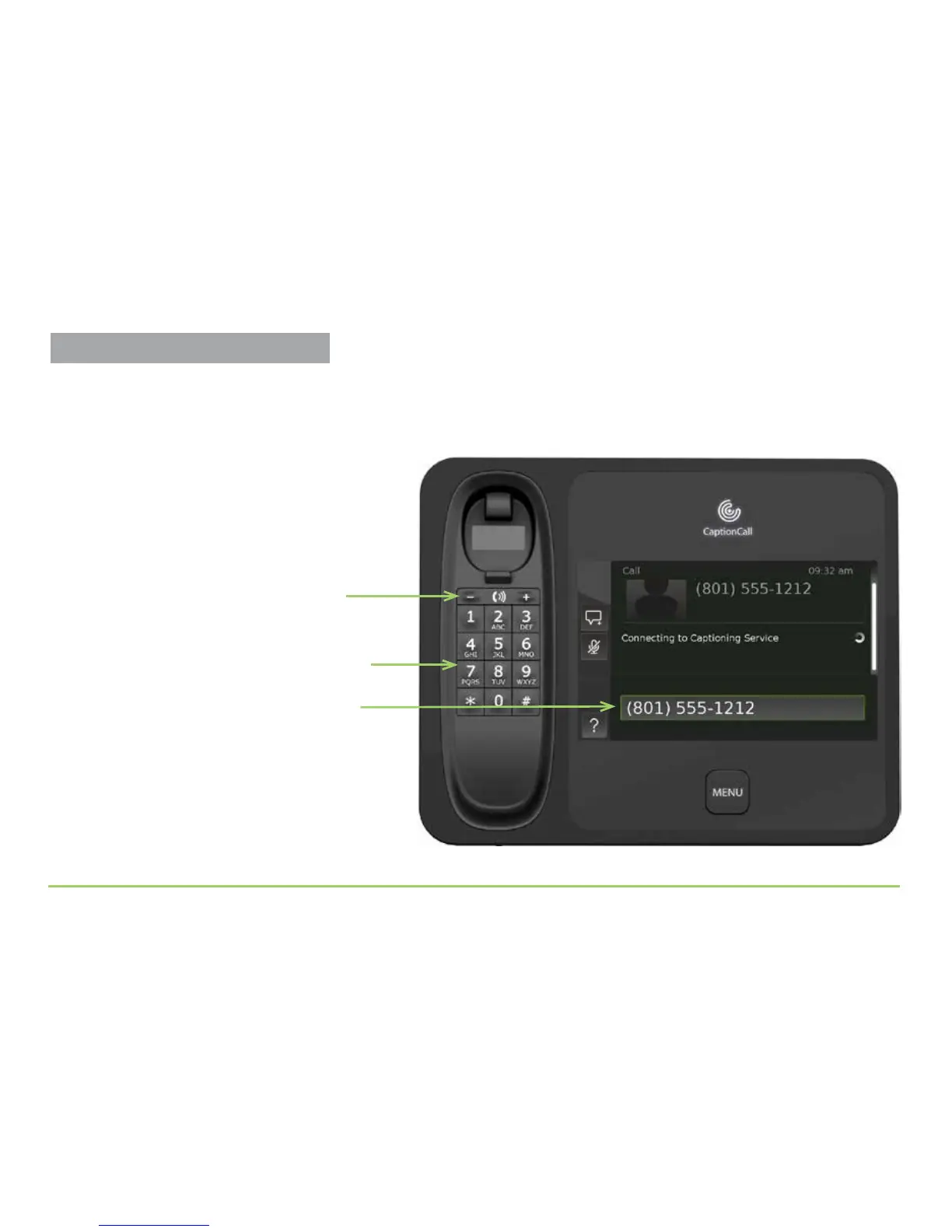
To make a call using the CaptionCall phone, follow these steps:
Step 1: Pick up the handset and dial using the keypad.
Step 2: Wait for the CaptionCall service to be activated.
Step 2 — Dial the number using keypad
The number you dialed
Press + for more volume or — for less
Step 1 — Adjust the handset volume



 To Next Page