106 CaptionCall
Table of ContentsAmplification Settings
Amplification Settings
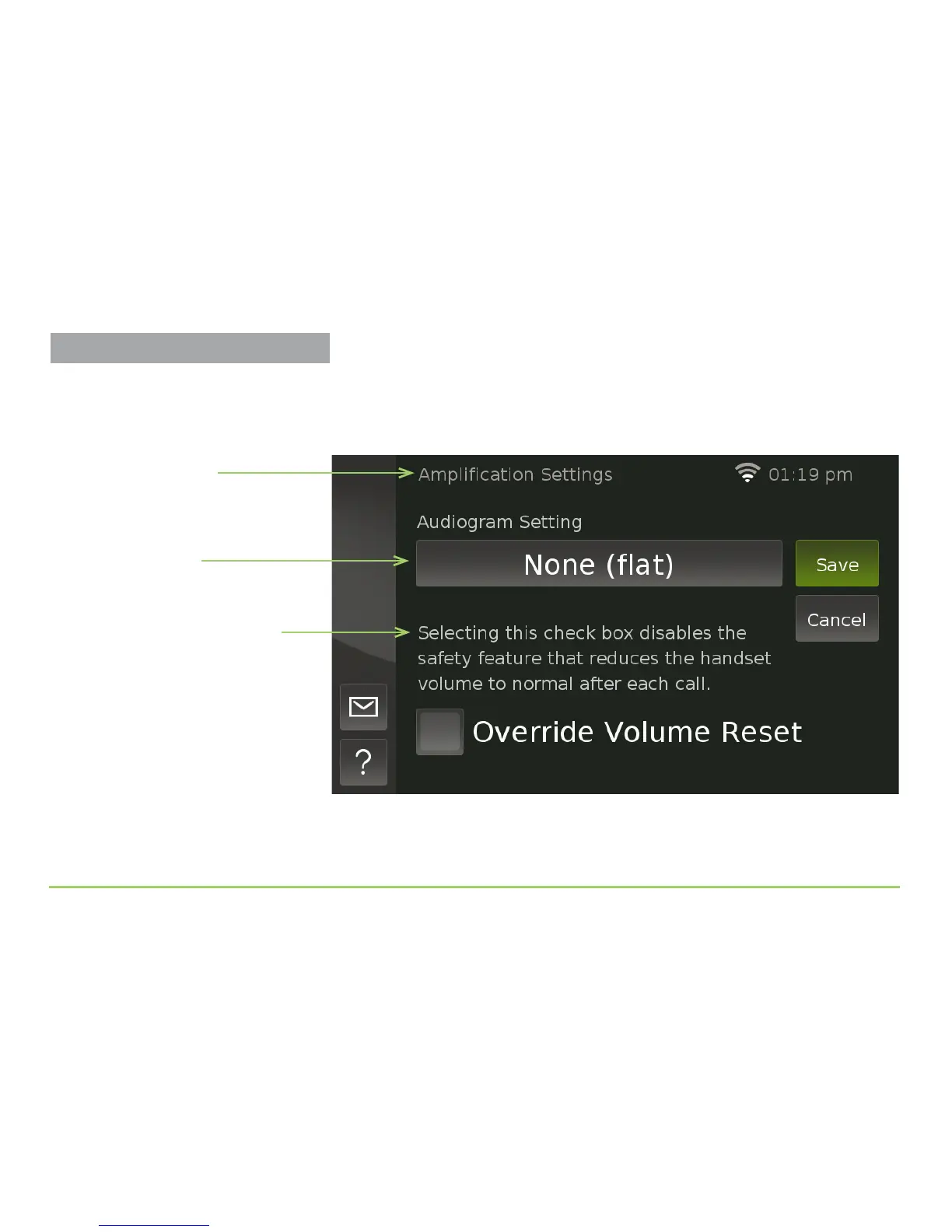
Touching the Amplication button on the Settings screen will display the
Amplication Settings screen as shown in the image below.
e use of the Override Volume Reset check box is described on the
screen. Unless you choose to override this safety feature, the phone will
automatically reset the handset volume to normal after each phone call.
Audiogram button
Name of screen
Override Volume Reset
description and check box
Warning
Excessive handset volume can be
harmful to your hearing. Do not set
the handset volume higher than is
necessary for you to hear a call.



 To Next Page