user guide 35
Using the In-Call Menu
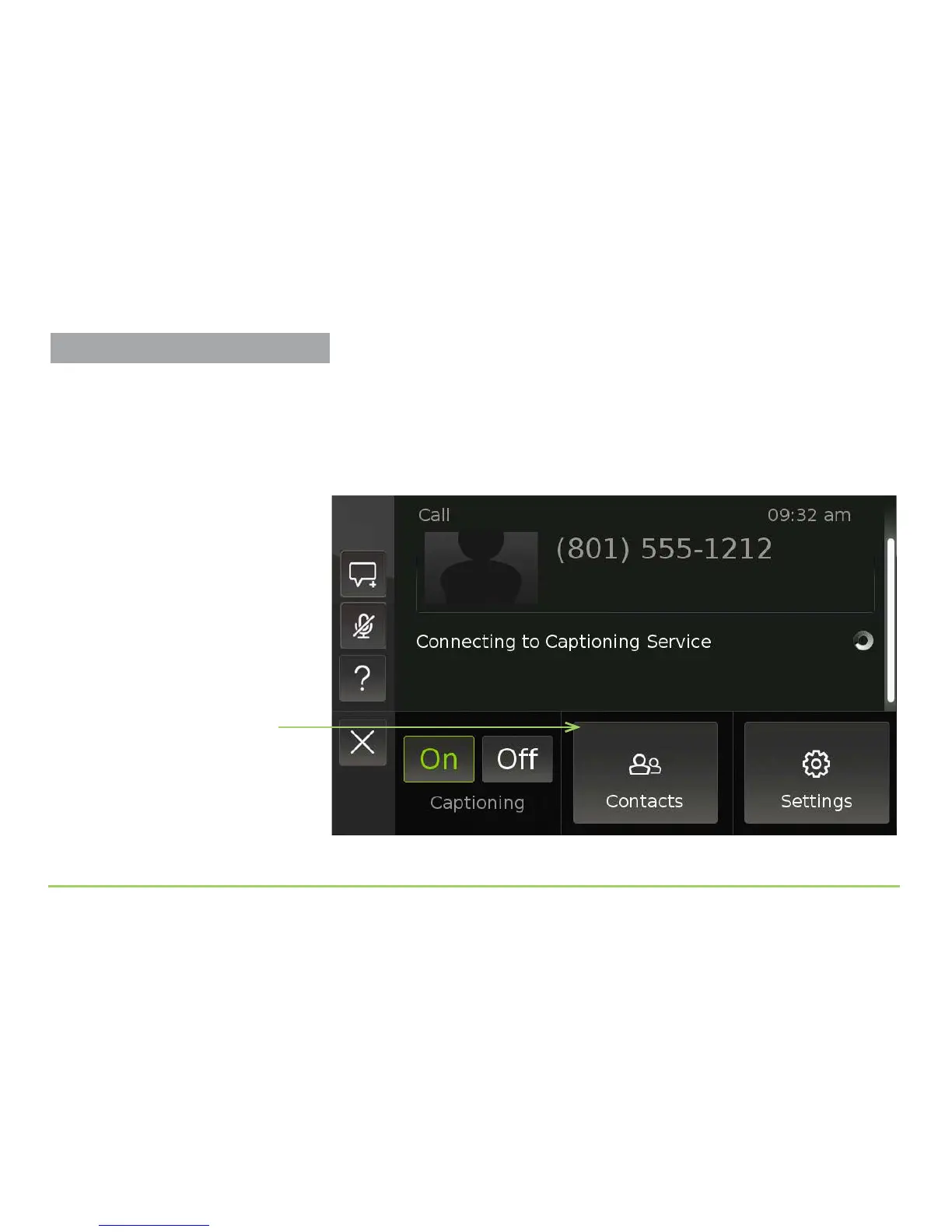
To look at a contact record during a call, follow these steps:
Step 1: During a phone call, press the phone’s Menu button.
Pressing the Menu button will reveal the pop-up menu as shown below.
Step 2: Touch the Contacts button to look for a contact record.
Contacts button
About the Captioning Buttons
You can turn the captioning service on
and off during an active call.
Using the In-Call Menu



 To Next Page