user guide 89
Viewing Saved Conversations
Viewing Saved Conversations
After you save a conversation as explained in the previous section, you can
view the captions for that conversation at any time as needed.
To view the captions for a saved conversation, follow these steps:
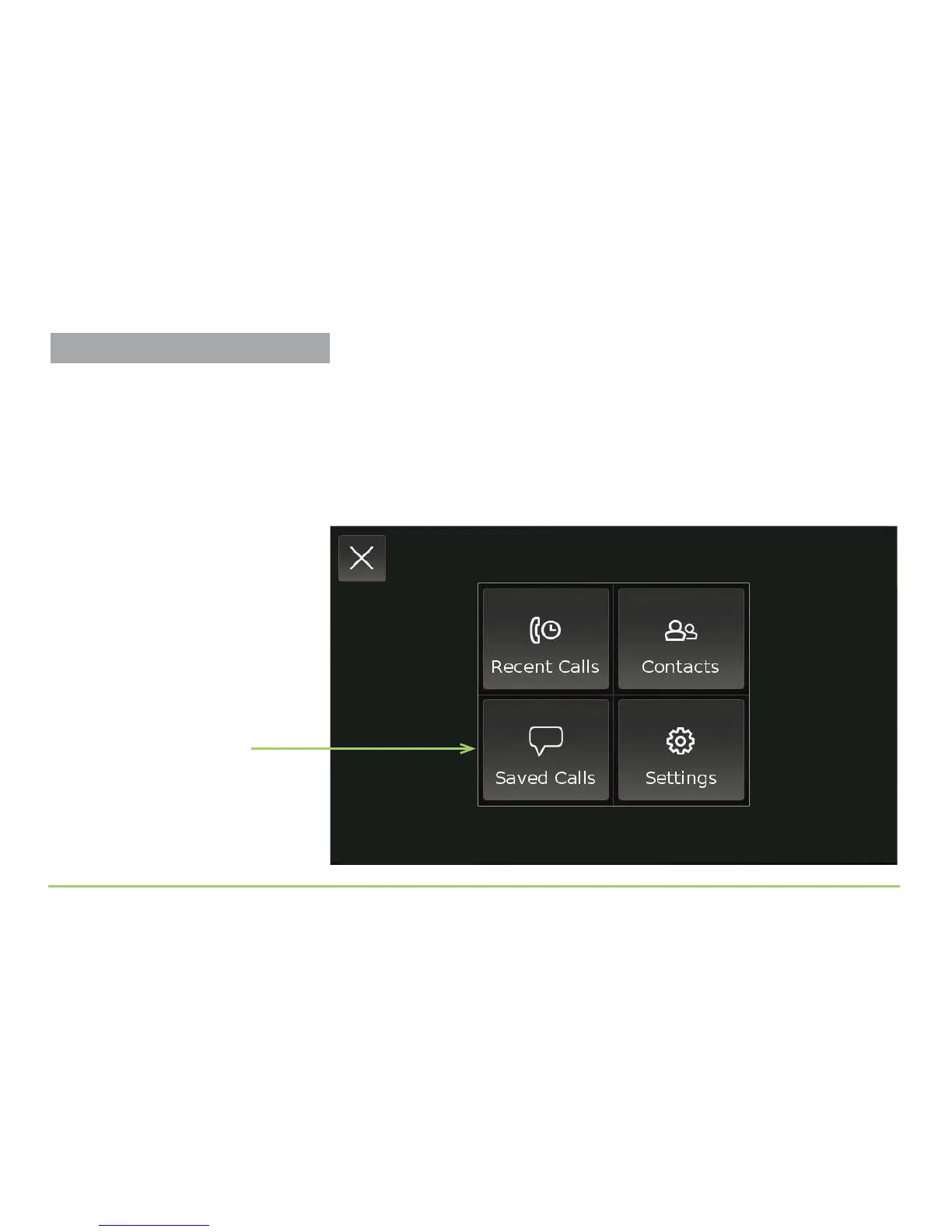
Step 1: Touch the Saved Calls button on the Main Menu.
Saved Calls button



 To Next Page