90 CaptionCall
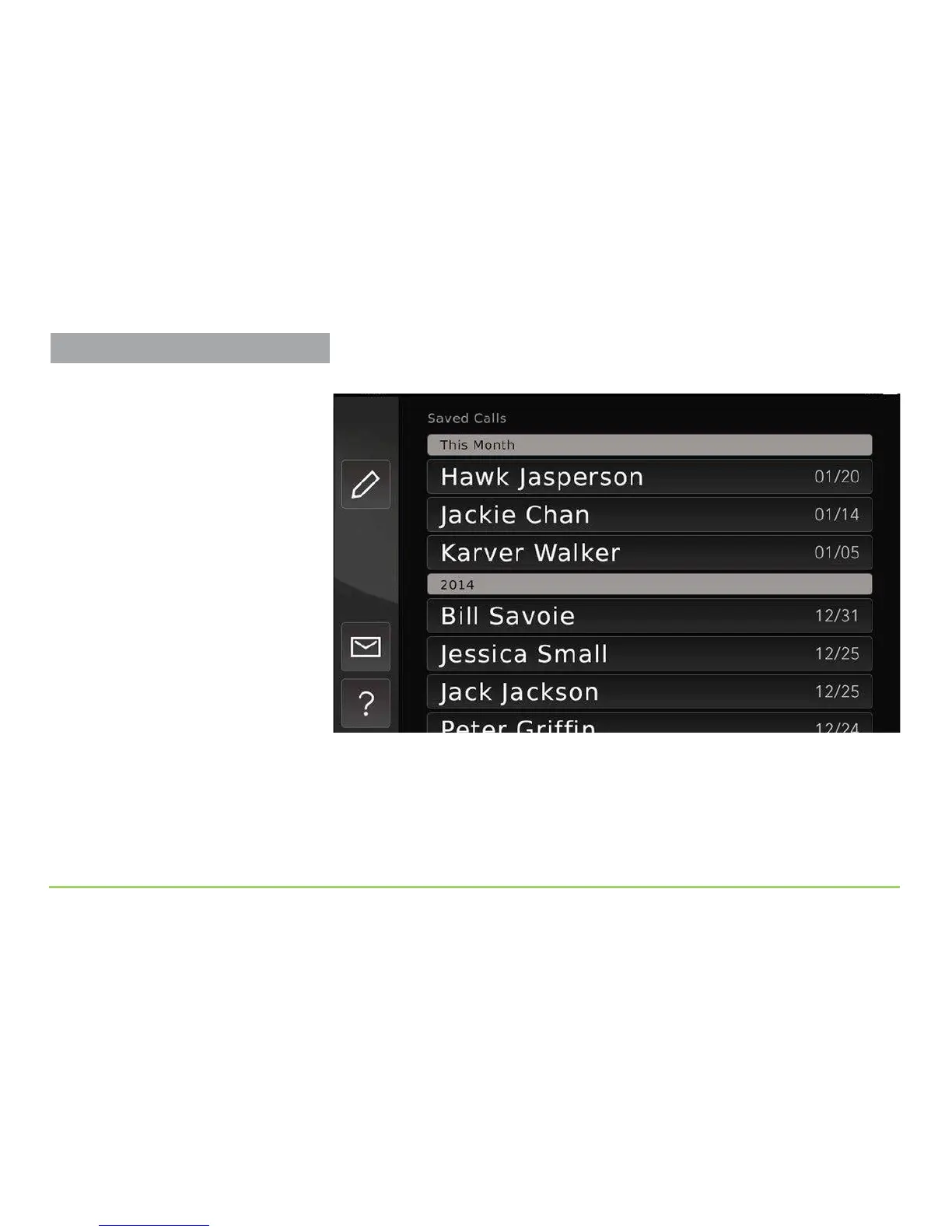
e Saved Calls screen will then appear as shown below.
Each saved conversation is identied with either a name (for saved
contacts) or a telephone number, along with the date of the call. “Blocked”
or “Unknown” will appear instead of a telephone number if the Caller ID
information was unavailable for a call. Captioned voicemail and answering
machine messages that you have saved will be identied as “Answering
Machine” or “Voicemail” respectively.
Viewing Saved Conversations



 To Next Page