user guide 91
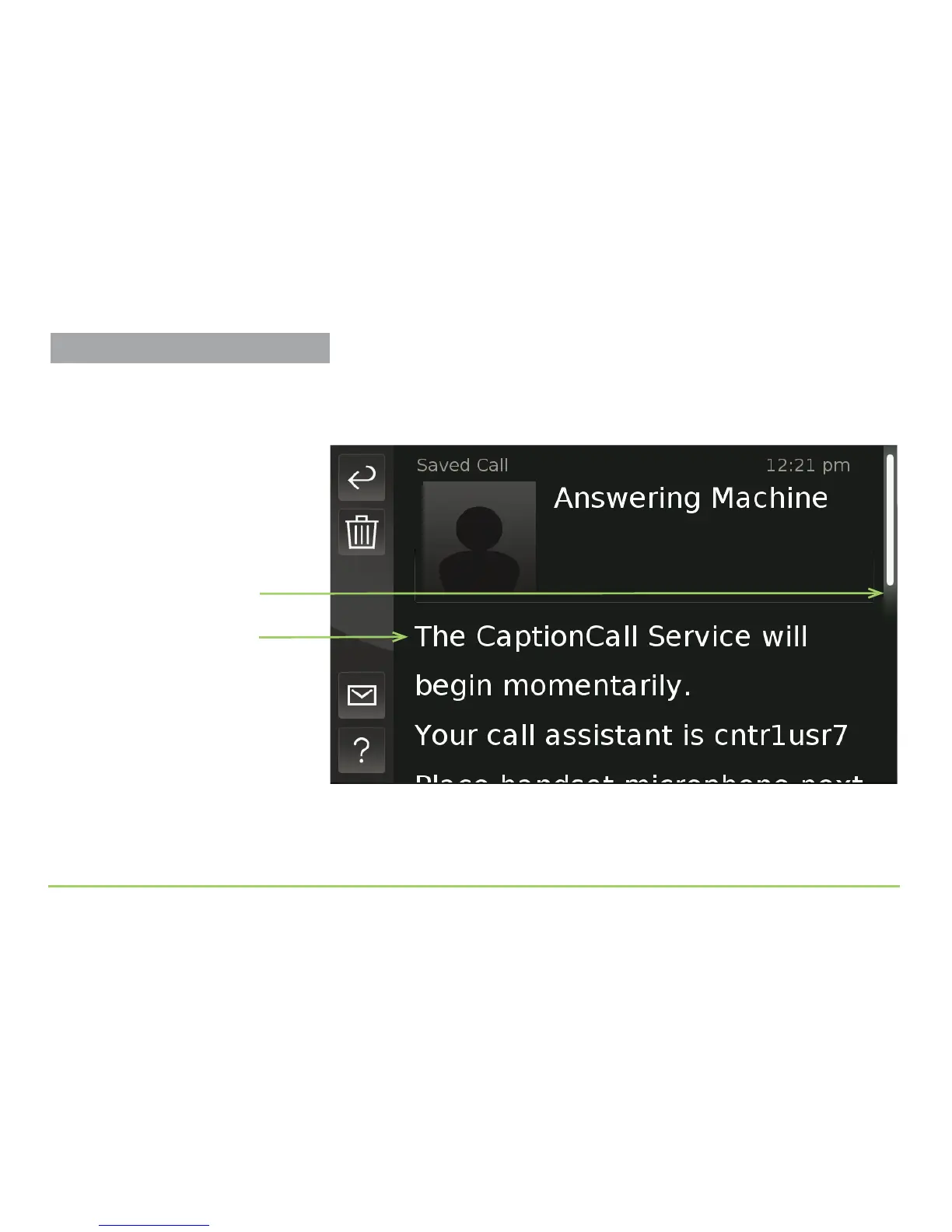
Step 2: Touch the conversation that you want to view.
e captions for the selected conversation will then appear as shown
below. For this example, we selected the answering machine message.
Step 3: Slide your finger up and down the screen to view captions.
e Position Indicator will move as you scroll up and down the screen to
indicate which part of the saved conversation you are currently viewing.
Saved captions
Position Indicator
Viewing Saved Conversations



 To Next Page