user guide 33
Turning Captions Off During Calls
When captioning is enabled by default, you can make a call without
captioning by following these steps:
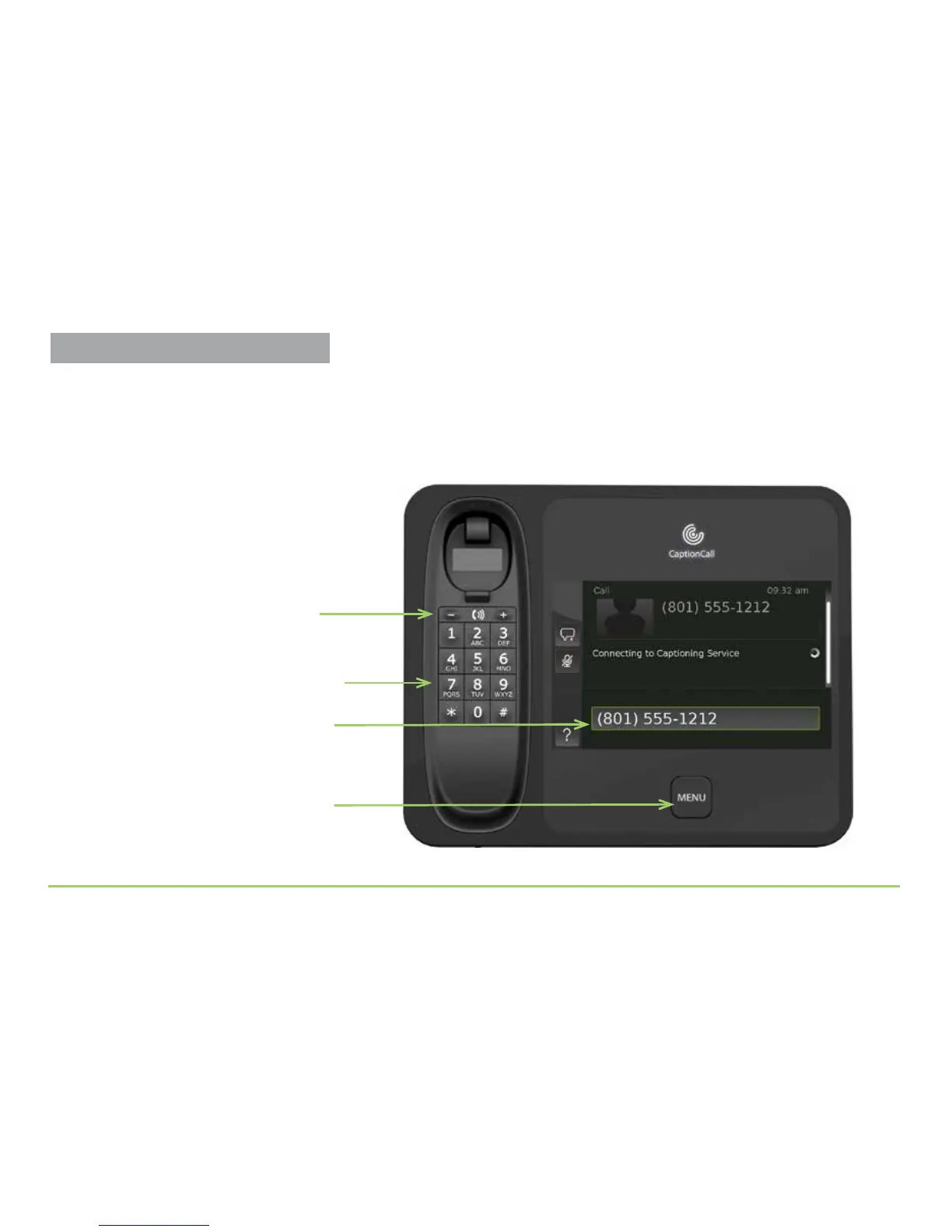
Step 1: Pick up the handset and dial using the keypad.
Step 2: Press the Menu button on the front panel.
Step 2 — Dial the number using keypad
The number you dialed
Press + for more volume or — for less
Step 1 — Adjust the handset volume
Menu button
Turning Captions Off



 To Next Page