user guide 107
Amplification Settings
To change the Amplication settings, rst touch the Audiogram button.
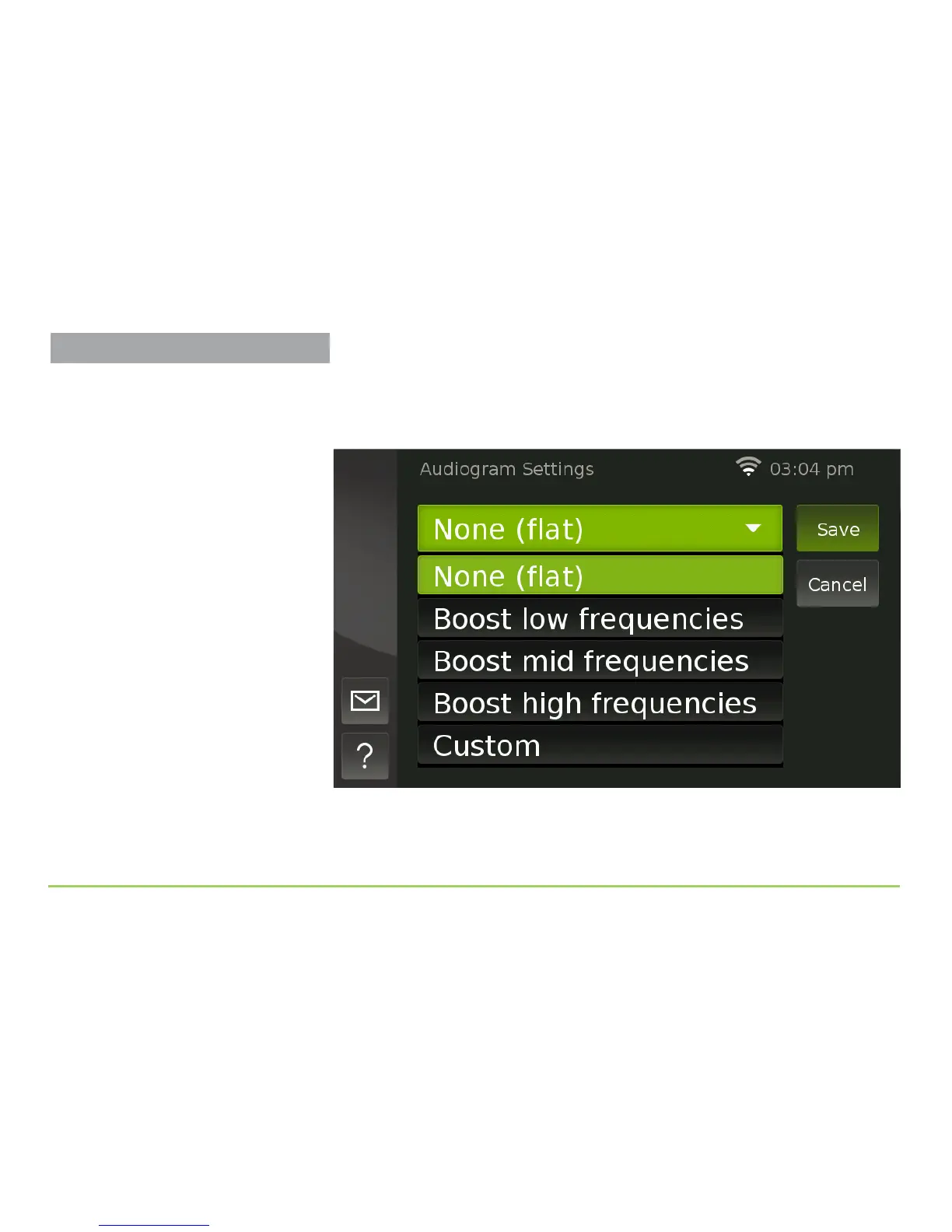
You will then see the Audiogram Settings screen. Touch the Audiogram
button again to see a list of audiogram options as shown below.
e list shows three audiogram presets, along with a Custom option that
lets you congure and save your own customized audiogram settings.



 To Next Page