108 CaptionCall
Table of ContentsAmplification Settings
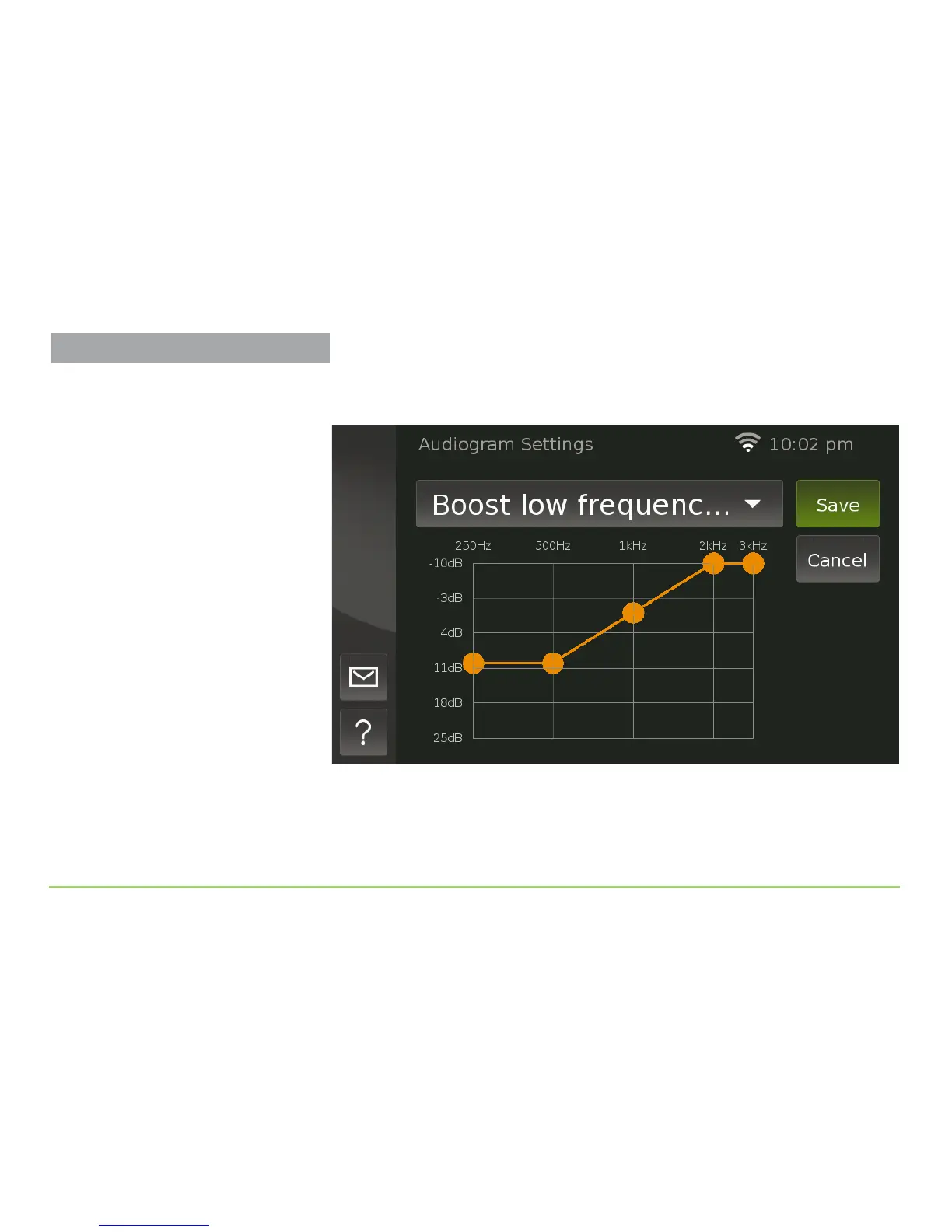
If you select one of the three presets from the drop-down list, you will see a
screen like the one shown below.
Descriptions of each option in the drop-down list are given on the
nextpage.
About the Orange Dots
Notice the scale for dB (decibels) in the
chart has the negative numbers on top
and the positive numbers on the bottom.
Keep this in mind when using this feature
so that you make your settings correctly.



 To Next Page