user guide 43
To review the list of your recent calls, follow these steps:
Step 1: If the screen is blank or shows the time, touch the screen.
Step 2: When the screen wakes up, look at the Recent Calls list that is
shown on the display.
If the screen is already awake, press the Menu button on the front panel to
display the Main menu, then touch the Recent Calls button.
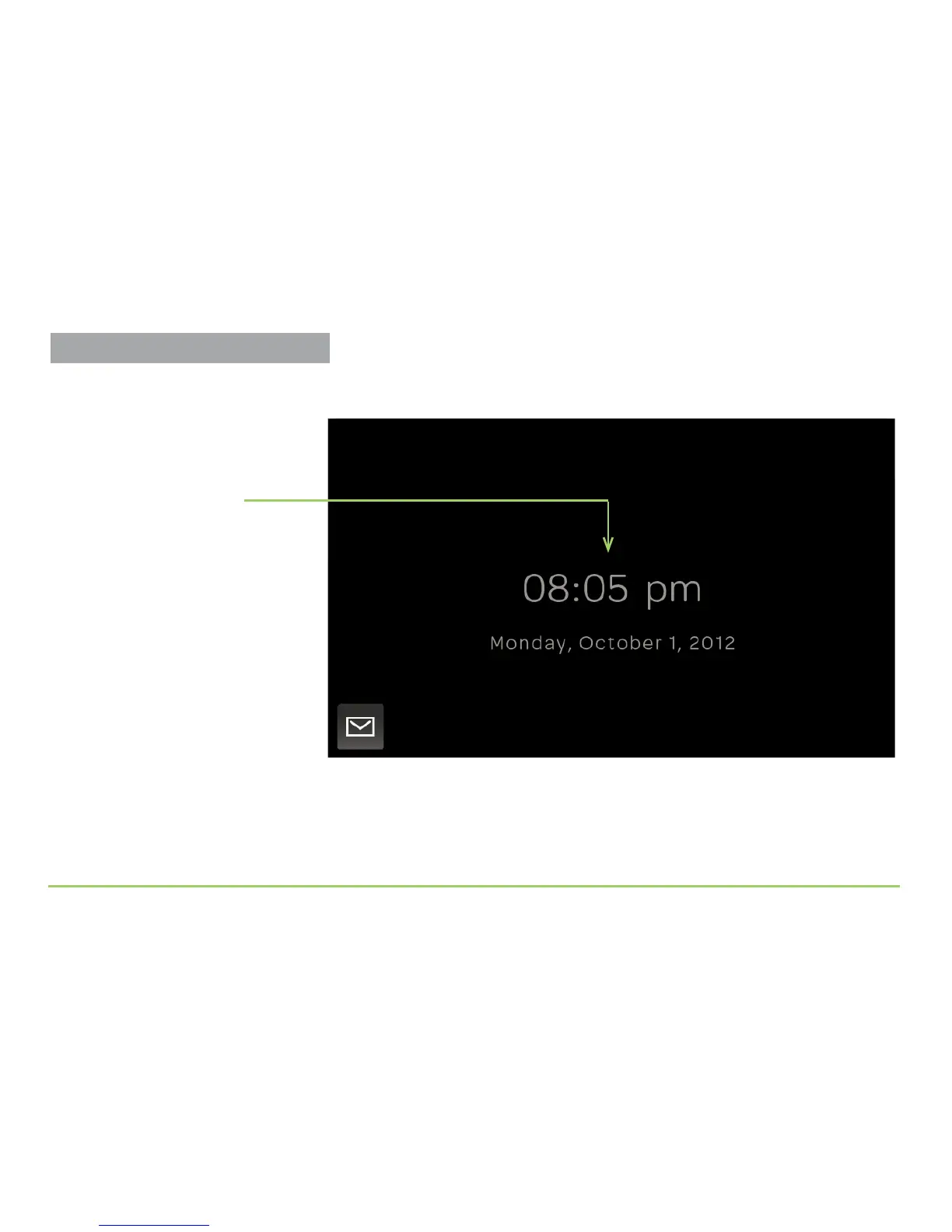
Time/Date Display
About the Time/Date Display
You’ll be able to see the Time/Date
display on the screen until the
backlighting dims out after a couple of
minutes. To turn the backlighting back
on, just touch the screen again.
Reviewing Recent Calls



 To Next Page