62 CaptionCall
Managing Contacts
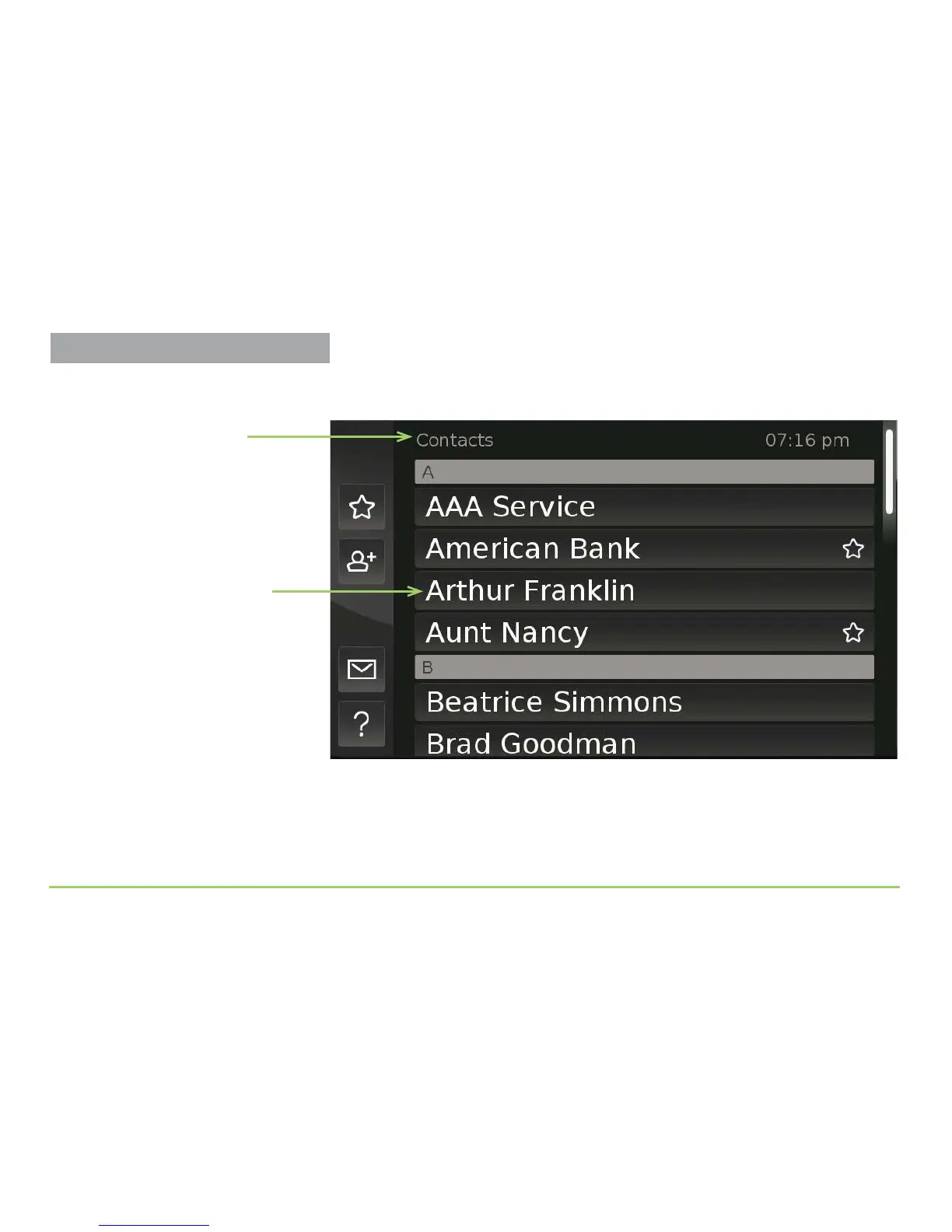
e Contacts screen will then appear as shown below. Notice the various
parts of this screen described by the captions next to the image.
As you can see by looking closely, the Contacts screen is actually a long,
scrollable list of all the contact records stored on the CaptionCall phone.
Step 3: Touch the screen anywhere, then drag your finger upward.
Name of the screen
List of contact records



 To Next Page