66 CaptionCall
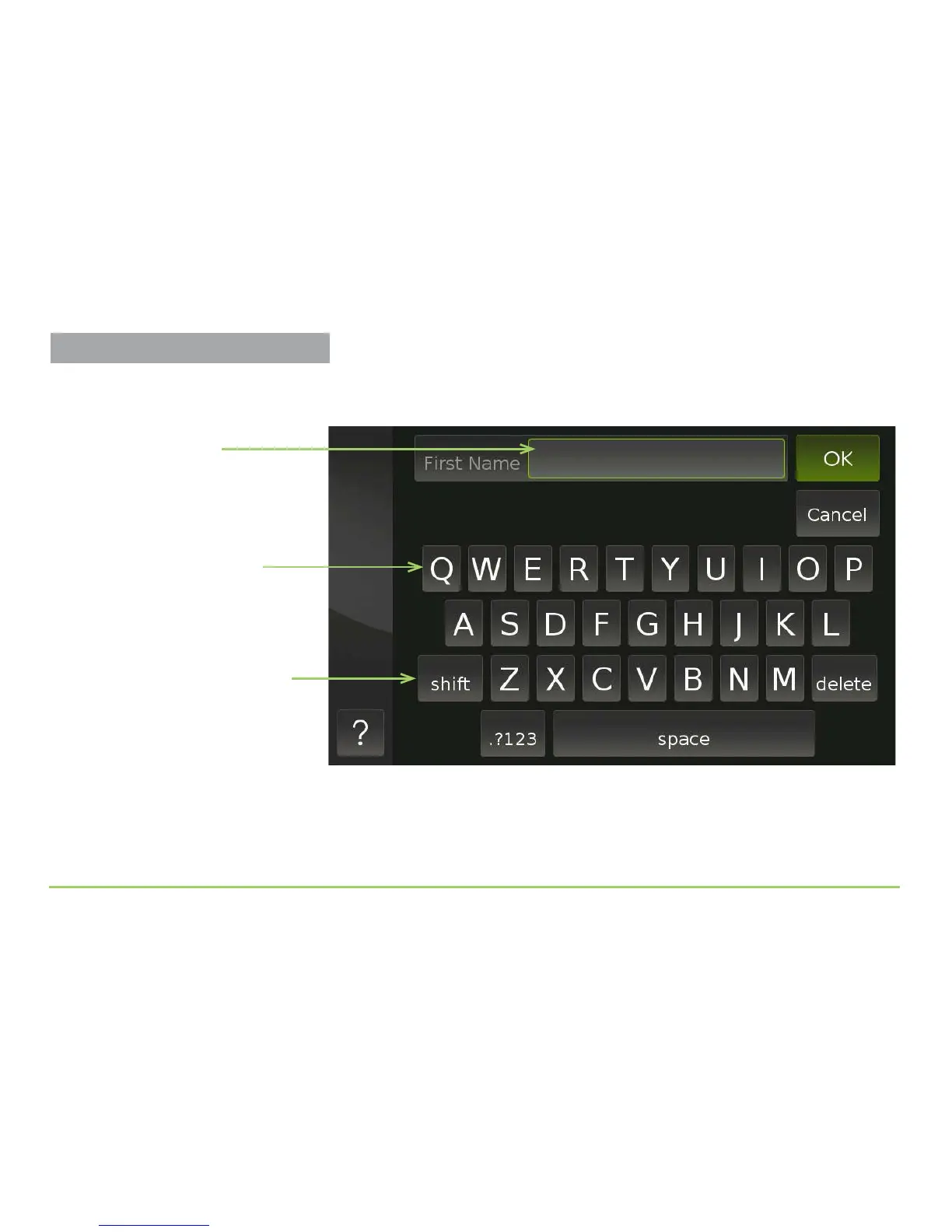
Touching the First Name eld will display an alphabetic keyboard as
shown below. You use the keyboard to type text into the eld.
e sequence of steps that continues on the next page describes how to
make all of the entries that are required to create a new contact record.
On-screen keyboard
with uppercase letters
First Name field
Use the Shift Key
Remember to use the Shift key to
change from uppercase and lowercase
as you enter letters in the fields.
Managing Contacts



 To Next Page