user guide 77
Captioning Voicemail Messages
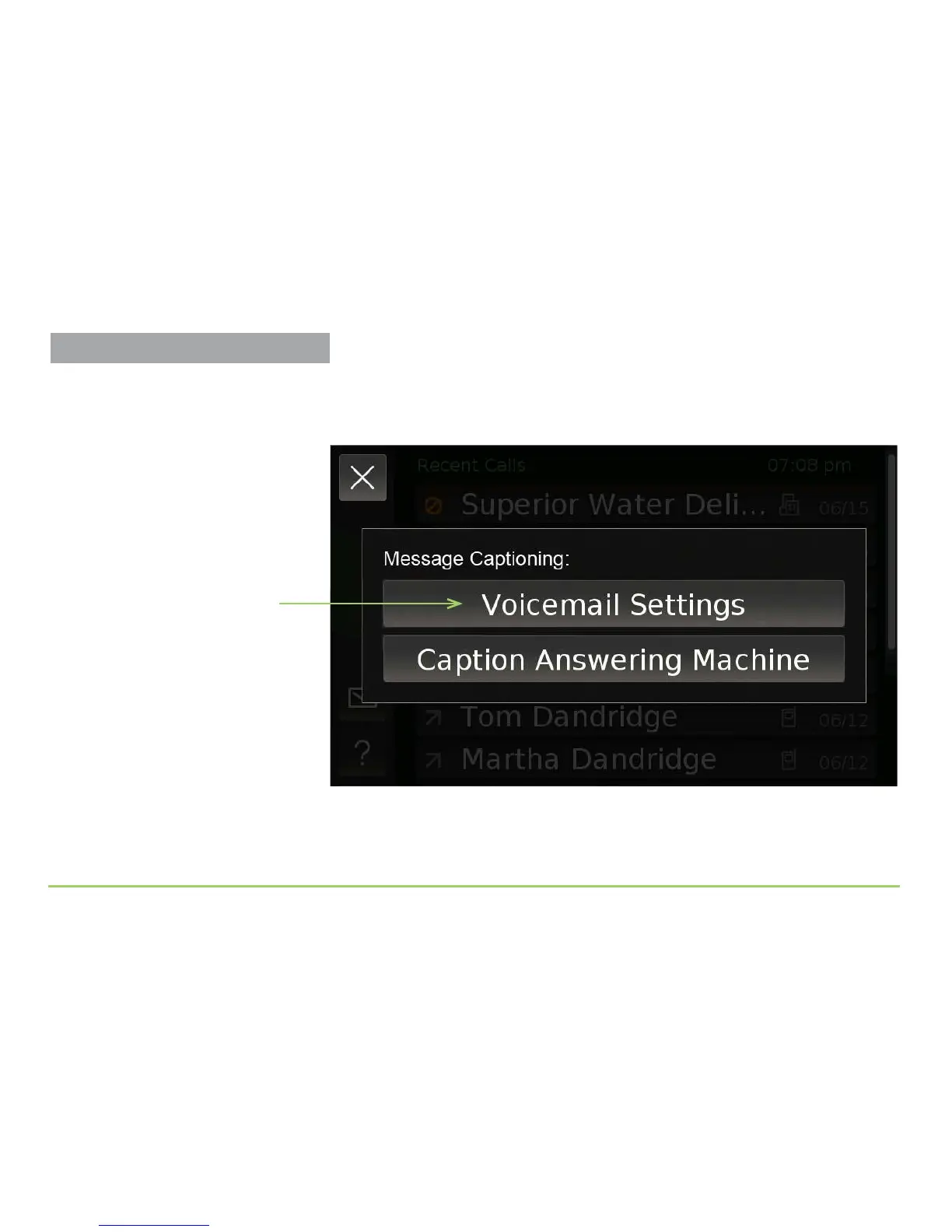
Touching the Voicemail Captioning button will display the Message
Captioning menu. e very rst time you open this menu, the top button
will look like the image below.
Step 3: Touch the Voicemail Settings button.
Voicemail Settings button
More About Voicemail Settings
The Voicemail Settings screen can
also be accessed from the Settings
screen.



 To Next Page