user guide 9
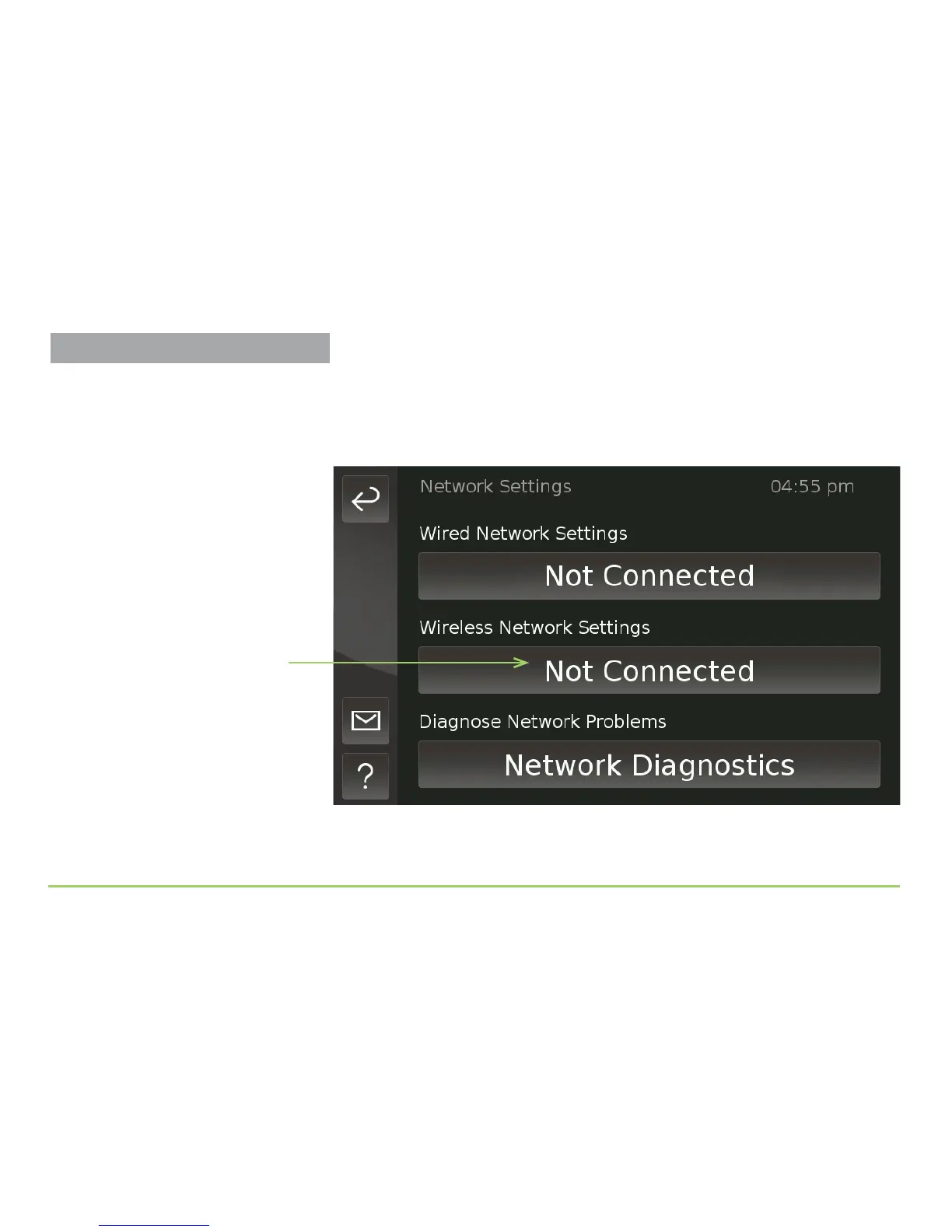
e Network Settings screen will then appear as shown below. You use the
buttons on this screen to open the Wired Network Settings (Ethernet) and
the Wireless Network Settings screens. e Network Diagnostics button is
used to help identify network problems.
Step 5: Touch the Wireless Network Settings button.
Wireless Network Settings button
Setting Up the Wireless Feature



 To Next Page