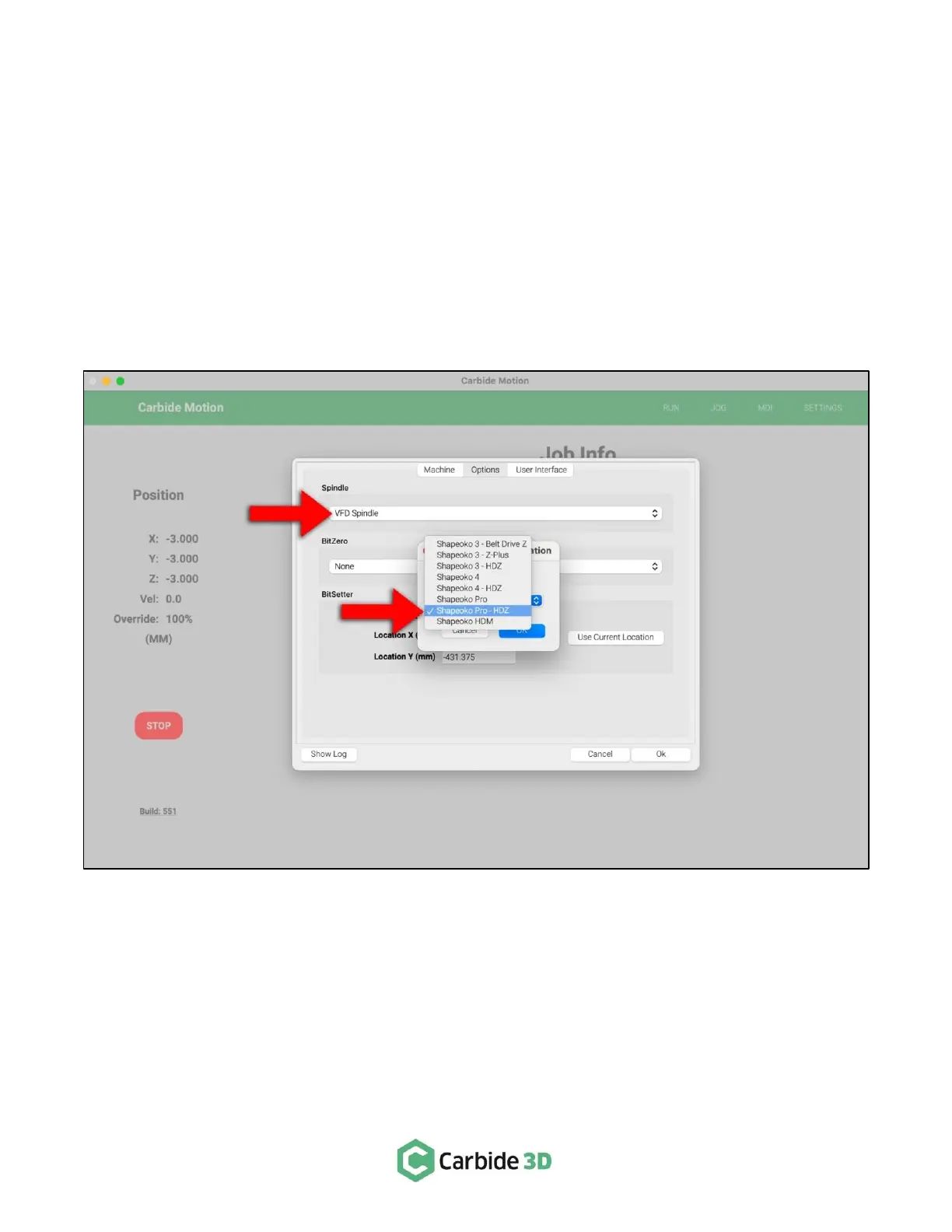
Step 3: Enable the Spindle in Carbide Motion
All Machines
1. In Carbide Motion, connect to and home the machine.
2. Click Settings in the menu bar.
3. Select VFD Spindle in the Spindle dropdown list. See Fig. 12.
4. Carbide Motion will prompt you to select your Shapeoko configuration (machine type and Z-Axis).
5. Click OK to exit the settings window.



 To Next Page