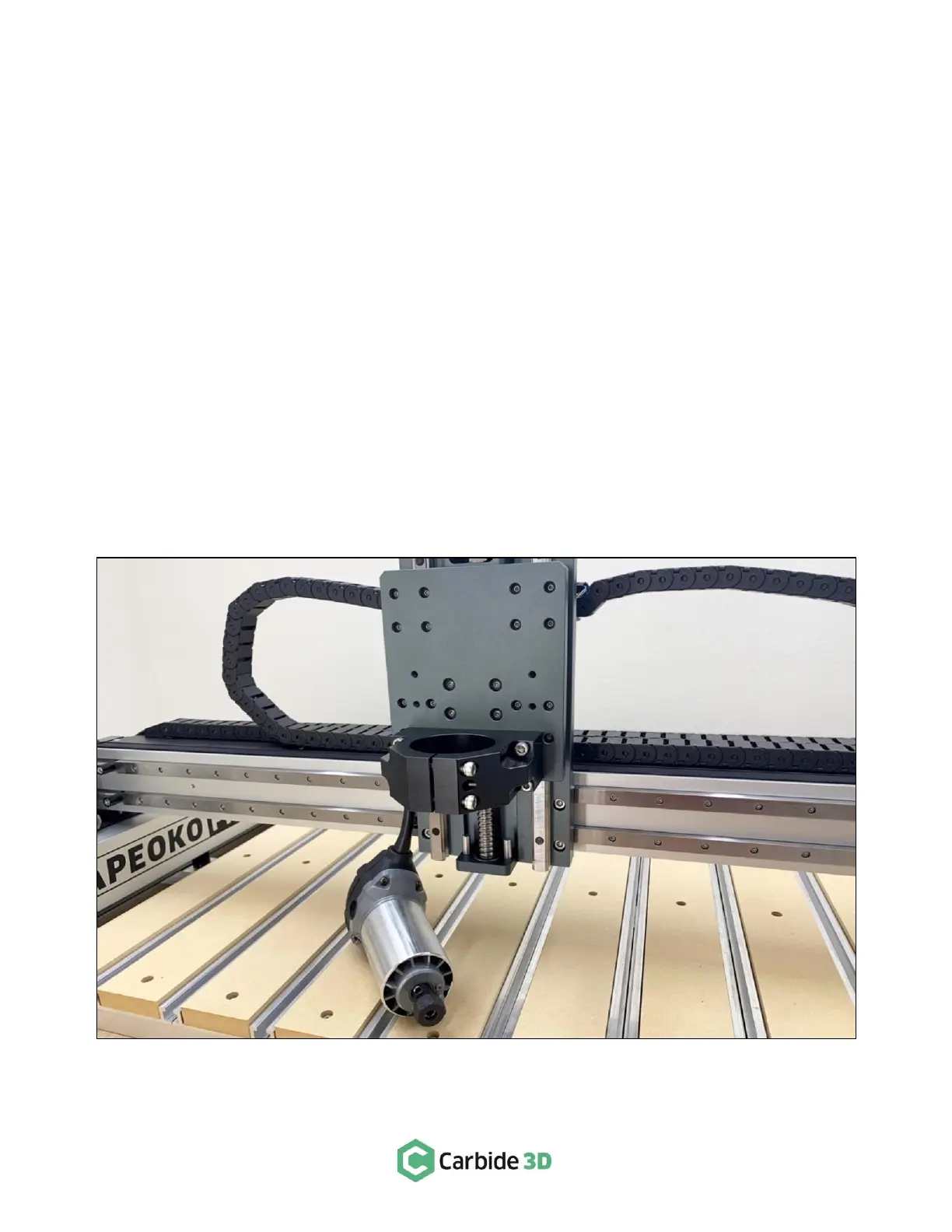
Step 1: Remove the Old Router
1.
Power off and unplug the machine and the router.
2.
Clip any zip ties securing the router power cable to the machine.
3.
Measure (approximate is okay) how much of the router is showing below the spindle mount. (You will
need this measurement in order to install the VFD spindle in the spindle mount.)
Shapeoko 3 Machines ONLY
4.
Use a 4mm hex key to loosen the two M5 screws securing the old router, and remove it from the
spindle mount.
5.
Go ahead and skip ahead to Step 2: Installing the VFD Spindle on page 10.
Shapeoko Pro & Shapeoko 4 Machines ONLY
4.
Use a 5mm hex key to loosen the two M6 screws securing the old router, and remove it from the
spindle mount. See Fig. 2.
5.
Follow the steps on the next pages to remove and reinstall the router drag chains.



 To Next Page