8.
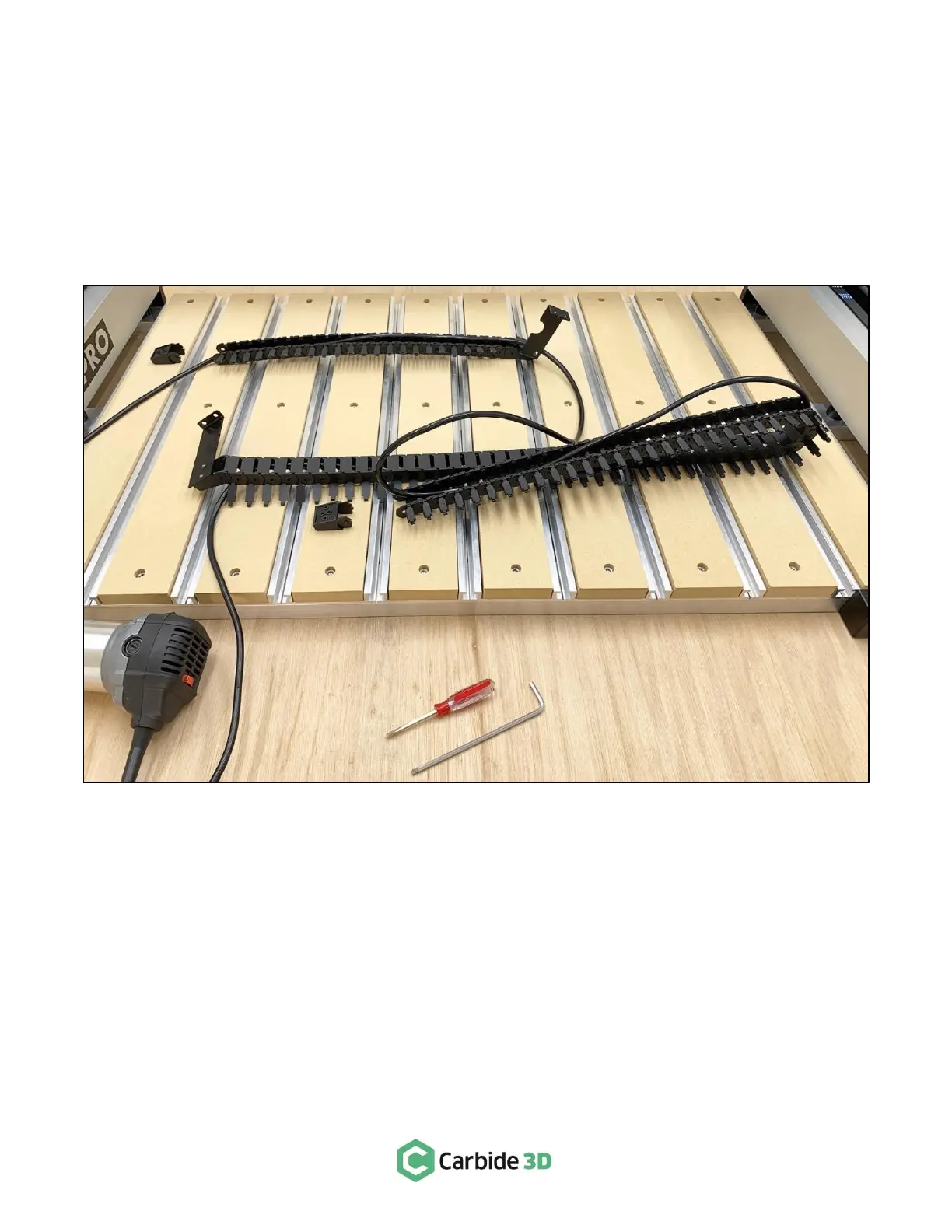
Open the both drag chains, remove the router power cable, and set the router aside. See Fig. 5.
a.
Be sure to note which way the drag chains attach to the gantry to you can reinstall them
correctly.
b.
Use a medium size hex key to pry open the drag chain links from one side.
c.
You may need to remove the tail links from both axes to be able to remove the power cord.
See Fig. 5. Make sure to note their orientation so you can re-install them correctly. Use a small
screwdriver to pry off the tail links.



 To Next Page