17
• The second time S1 is pressed (within 5 seconds) led L1 will ash twice every 2 seconds; press any
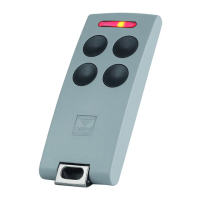
button on the chosen remote control transmitter to assign the Sequential Command to the chosen
channel A-B-C-D (see g. 4 channel selection).
e.g. pressing button D in a four-channel transmitter will give us
TXQ504C4: Channel A - B -C = NOT ASSIGNED - Channel D = SEQUENTIAL
- after 5 seconds of inactivity inactivity the procedure will quit and led L1 will switch off.
• The third time S1 is pressed led L1 will ash three times every 2 seconds; function not used.
• The fourth time S1 is pressed led L1 will ash four times every 2 seconds; this operation allows you to
either cancel an entire transmitter or just one of the channels:
- press the relative channel button to remove the transmitter from the system;
Note: If you have assigned multiple sequential buttons you will have to cancel them one at a time.
• The fth time S1 is pressed led L1 will ash one every 2 seconds and the cycle will start again.
- after 5 seconds of inactivity led L1 will switch off.
• To reset the entire memory, press the programming button for about 10 seconds, until LED L1 lights up.



 To Next Page