16
Setting the work cycle
• Move
dip 3
D1
to
ON,
led
L1
will light up.
• Press
S1
, the motor will rotate in the closing direction.
• When it reaches the
closing travel limit
press
S1
, the motor will rotate in the opening direction.
• When it reaches the
opening travel limit
press
S1
, the motor will rotate in the closing direction.
• When it reaches the
closing travel limit
press
S1
again, the motor will stop.
• Move
dip 3
D1
to
OFF
to return to normal operation.
SYSTEM MANAGEMENT OPERATIONS
Attention! Before memorising the transmitters for the rst time remember to cancel the entire memory
content by pressing and holding down S1 until led L1 remains lit.
• Memorizing channel codes
This operation is carried out using button S1.
• The rst time S1 is pressed L1 will flash once every 2 seconds; this operation allows you to automatically
memorise the Open-Stop-Close functions in a two or four channel remote control (see g. 4 channel
selection). Before ve seconds has passed press any button on the chosen remote control transmitter,
the led will remain lit while the function is memorised and then begin to ash again.
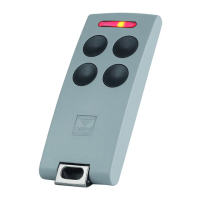
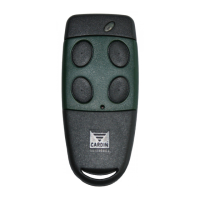
TXQ504C2: Channel A = OPEN - Channel B = CLOSE
TXQ504C4: Channel A = OPEN - Channel B = CLOSE - Channel C = STOP
- after 5 seconds of inactivity the procedure will quit and led L1 will switch off.



 To Next Page