ECG100+ - ECG200+ - ECG100S - ECG200S
5. INTRODUCTION
Special symbols and characters
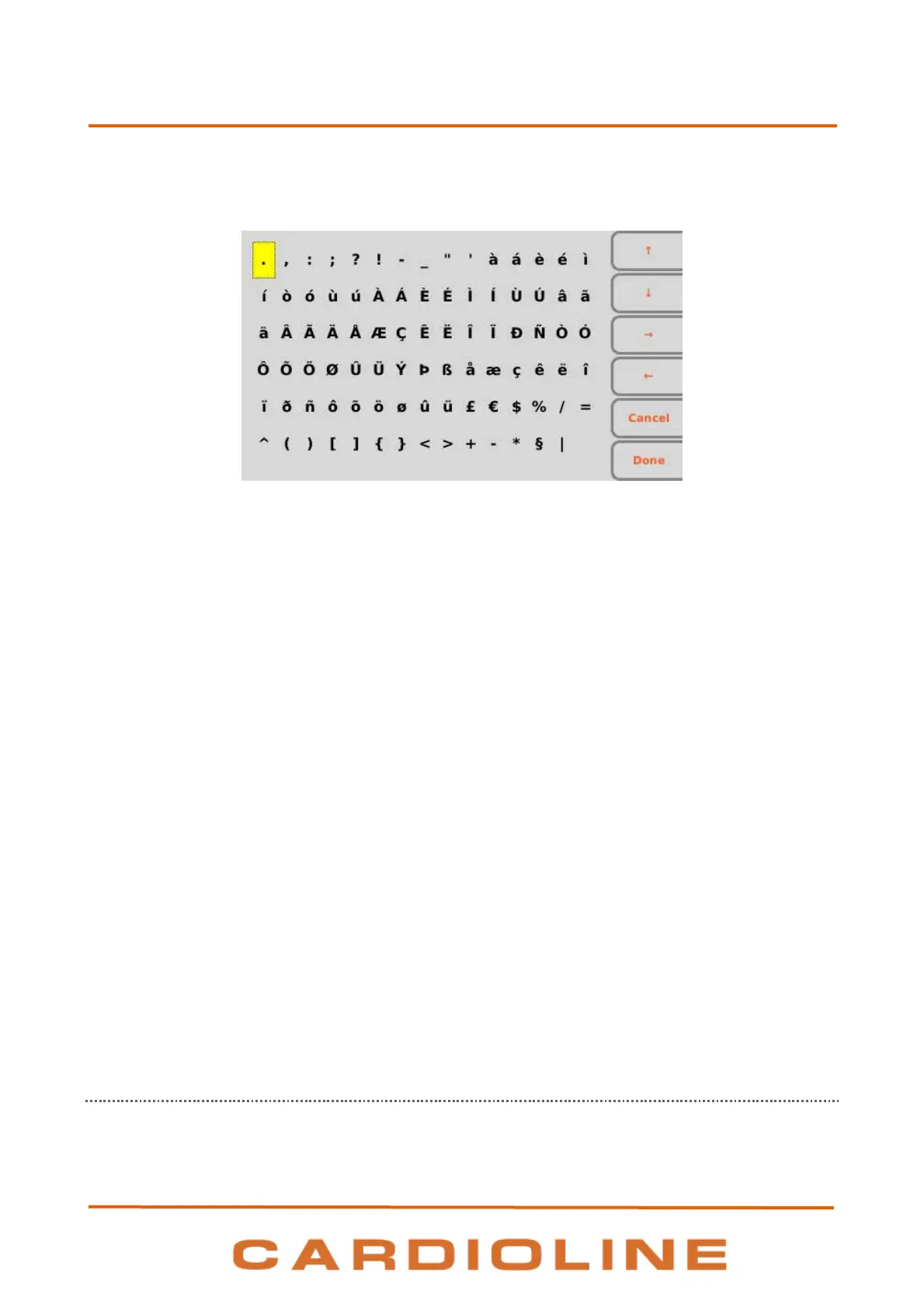
Pressing “SYM”, when a text field is selected, grants access to the special symbols and characters menu.
Symbols and special characters menu
Using the function keys is possible to move between characters and select them:
F1 () to move up.
F2 () to move down.
F3 () to move right.
F4 () to move left.
F5 (Cancel) to close symbols menu without choosing any character.
F6 (Done) to close symbols menu choosing the selected character.
Key combinations
ALT + z: move left
ALT + x: ,
ALT + c: .
ALT + V: ;
ALT + B: :
ALT + n: /
ALT + m: move right
Shift + F1: page down
Shift + F2: page up
5.4.3. Display
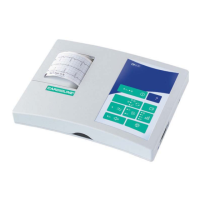
ECG100+/ECG100S is supplied with a 4.3” colour LCD monitor, ECG200+/ECG200S is supplied with a 7”
colour LCD monitor. When acquiring an ECG tracing, the display shows the following main information:











 To Next Page