ECG100+ - ECG200+ - ECG100S - ECG200S
8. MENU AND DEVICE SETTINGS
8. MENU AND DEVICE SETTINGS
8.1. Main menu
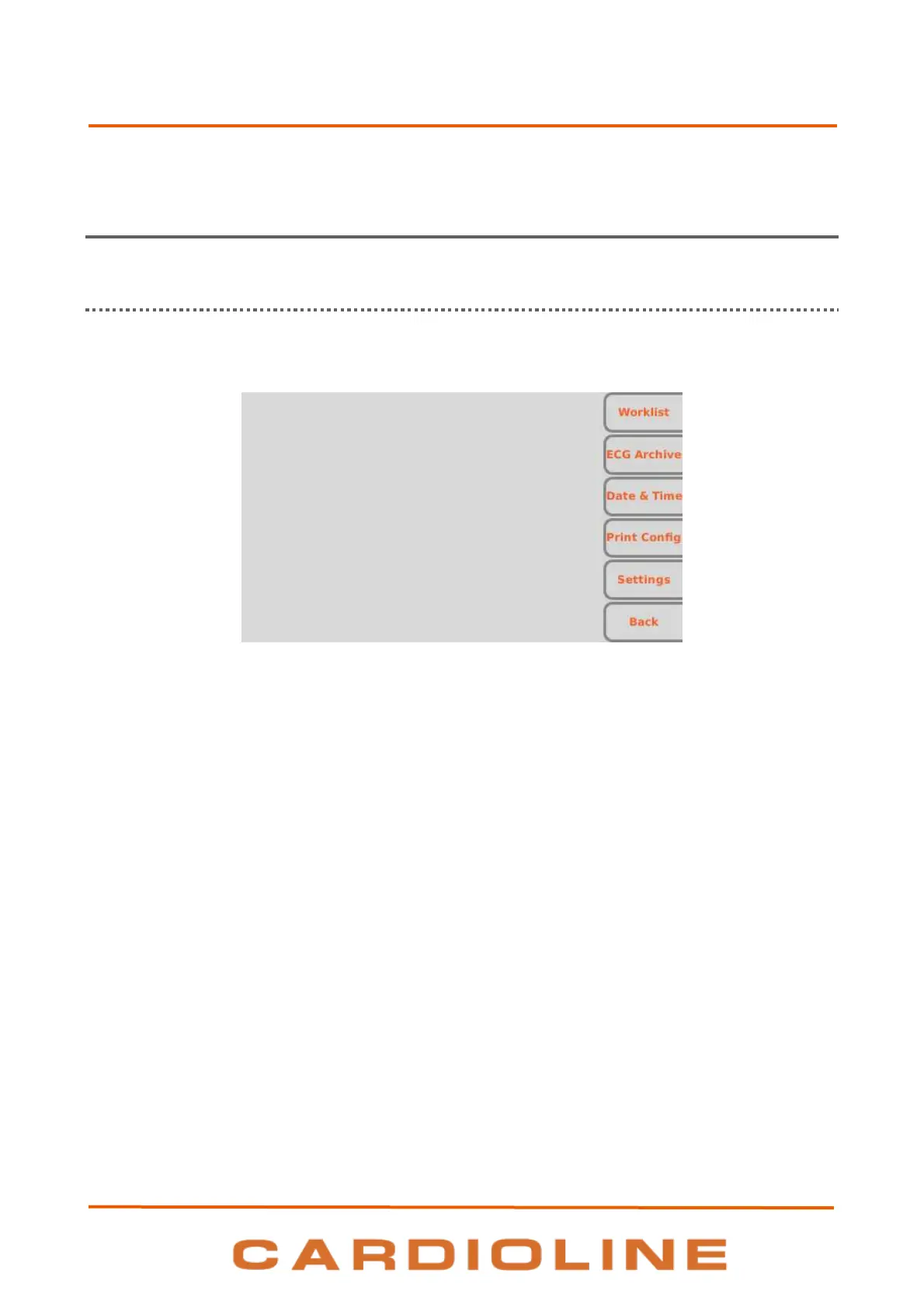
The main menu can be accessed by pressing the F6 function key (Menu) on the real time display screen.
Main menu screen
Function keys
From the Main menu, you may access the various sections using the corresponding function keys:
F1 (Worklist) to view a work list,
F2 (ECG Archive) to view the archive of the saved ECG examinations,
F3 (Date & Time) to set the date and time of the device,
F4 (Print Configuration) to print the configuration page of the device,
F5 (Settings) to modify the default settings of the device,
F6 (Back) to close the Menu and to go back to the real time display screen.











 To Next Page