ECG100+ - ECG200+ - ECG100S - ECG200S
8. MENU AND DEVICE SETTINGS
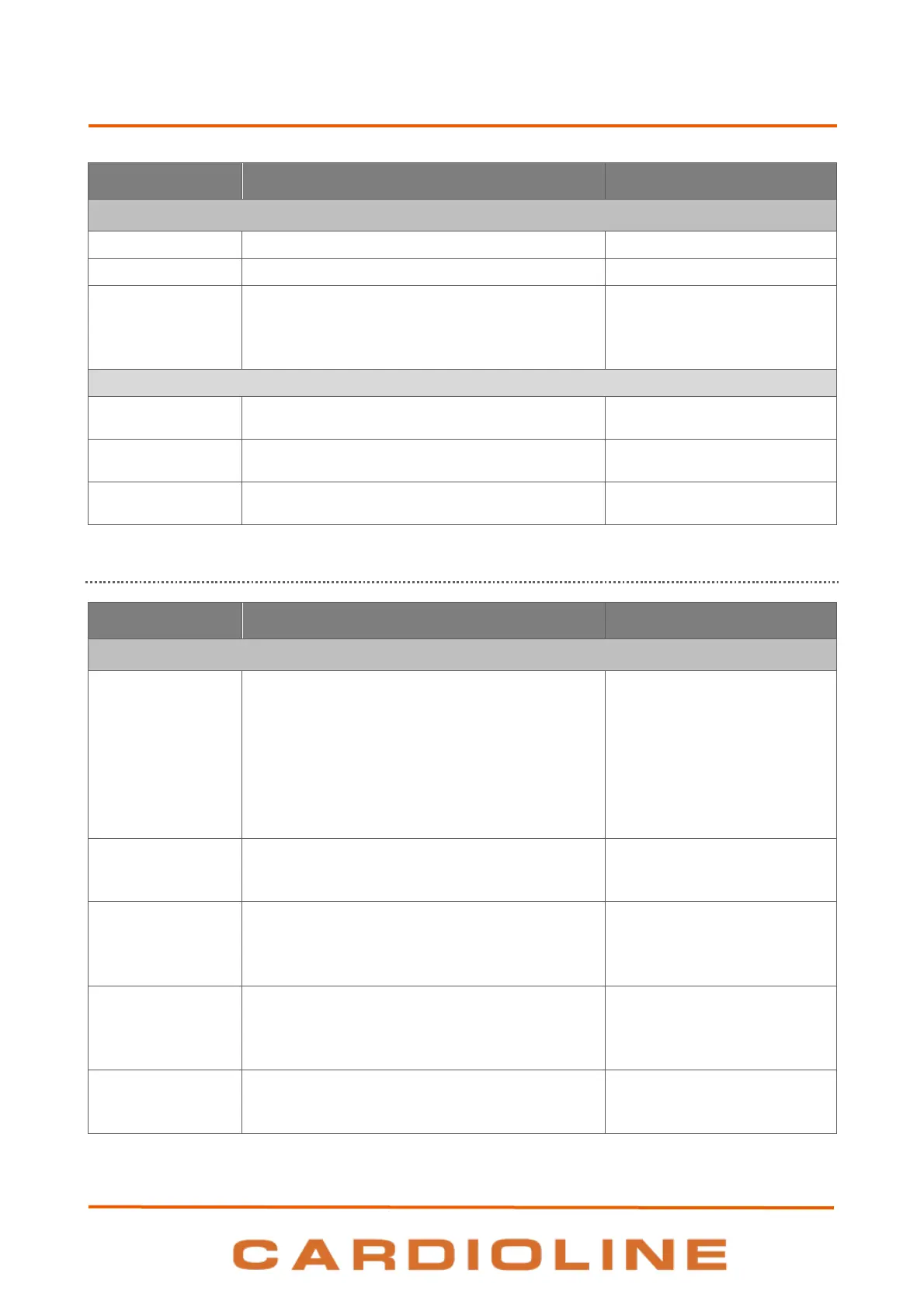
Connectivity Settings (page 5)
Device identification number.
Department identification number.
Server address for automatic synchronisation of
time (if enabled).
If changed, it needs the device reboot to be
applied.
Alphanumerical (256
characters)
If Connectivity Option is on (LAN/WLAN)
User name for network connection. Empty and
disabled if connectivity option is not present
Alphanumerical (24
characters)
Password for network connection. Empty and
disabled if connectivity option is not present
Alphanumerical (24
characters)
IP address or host server name.
Alphanumerical (256
characters)
8.6.6. LAN Settings (page 6)
Network Settings (page 6)
DHCP on or off. With DHCP “On”, the network
automatically and dynamically assigns an IP
address to the device and therefore it is not
necessary to enter an IP address manually. With
DHCP “Off” the device's IP address, Gateway and
Sub Net Mask must be entered.
If changed, it needs the device reboot to be
applied.
Device IP address. Only editable if the DHCP is Off.
If changed, it needs the device reboot to be
applied.
Subnet mask (IPv4 format). Only editable if the
DHCP is Off.
If changed, it needs the device reboot to be
applied.
Default gateway address (IPv4 format). Only
editable if the DHCP is Off.
If changed, it needs the device reboot to be
applied.
IP address of DNS
If changed, it needs the device reboot to be
applied.











 To Next Page