27
PROBLEM CAUSE REMEDY
“Your pendant battery is low,
please change the battery” message
is heard from the Smart Dialler
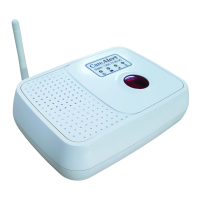
The Smart Dialler has dialled out for
help without the pendant being
activated and cannot be stopped
When the function switch is placed
to ‘SET’ the LED light continues to
rotate in a clockwise direction
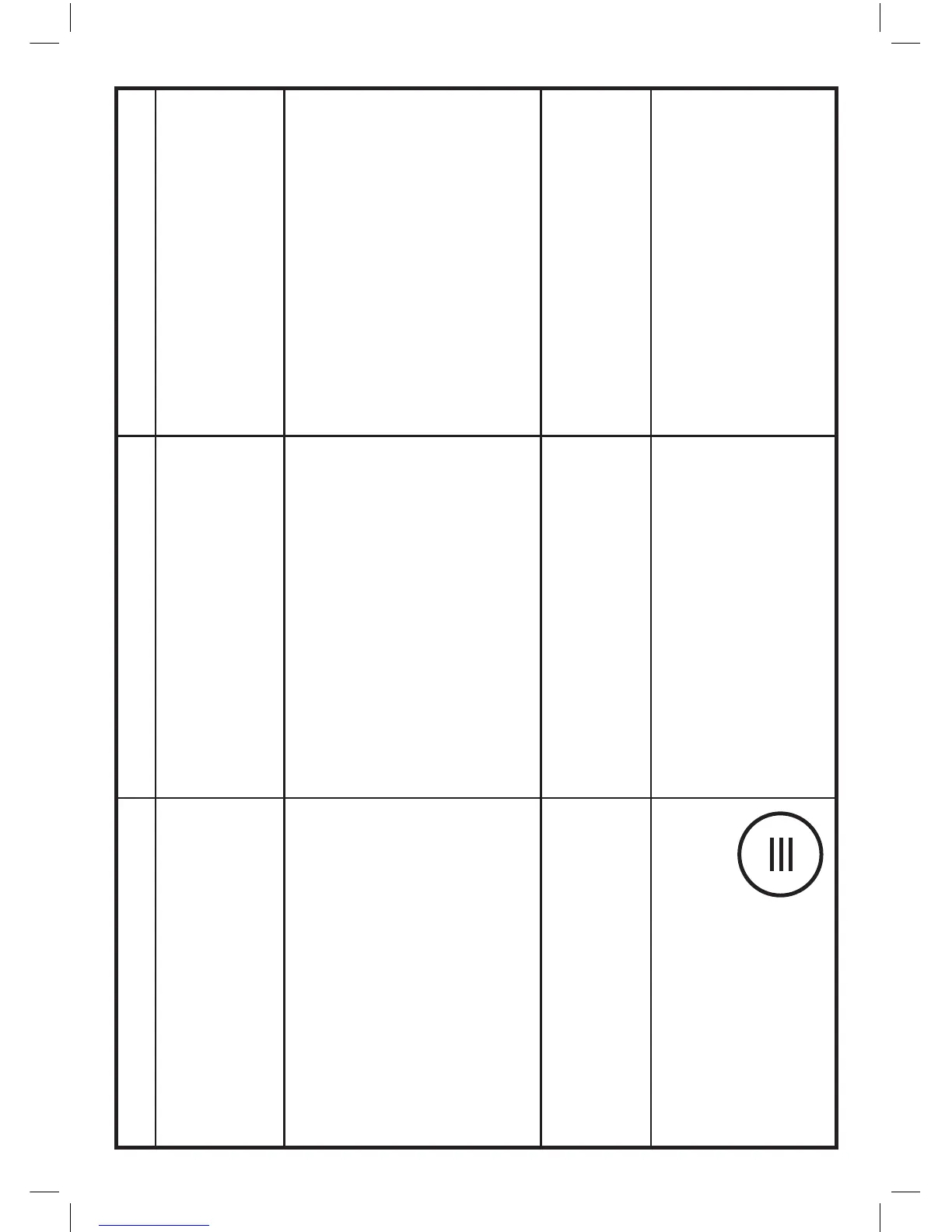
3 Parallel bars of light have appeared
on the LED display window on the top
of the Smart Dialler
• The pendant battery has fallen to an
unacceptable level
• The pendant seal has been compromised
and moisture has entered the pendant
(To STOP the dialler being continuously
activated remove the battery from the
pendant with screwdriver provided
in the pack).
• The pendant is faulty
• The function switch is faulty
• You have recently activated the Smart
Dialler either In testing or for actual use
• Purchase a new 3 Volt Button Battery
CR2032 and change the battery
using the Philips Head screw driver
provided in the pack
• Remove pendant back with
Philips Head screwdriver provided in
the pack and look for rust marks or
moisture. Leave open for half
day before reassembling ensuring
an even tightening of the screws
on the rubber seal.
• Replace the pendant
• Contact CareAlert on
1300 75 85 95
or email support@carealert.com.au
• Press the button where the LED
light appears or press the yellow
button on the pendant and it
will restore the LED to clockwise
single stroke motion



 To Next Page