25
ENG
mpxone +0300086EN rel. 2.2 - 13.11.2023
User interface
Code Description Def. Min Max UoM User User terminal
/6 Display decimal point 0=Yes, 1=No 0 0 1 - S NO
/t Display signals/alarms on remote display
0=Disabled, 1=Enabled
001- SNO
/t1 Display on user terminal
0 = Terminal disabled
1 to 6 = Probe 1 to 6
7 to 8 = Probes 7, 8 (MPXone Advanced only)
9 = Control probe
10 = Virtual probe
11 to 14 = Serial probe 1 to 4
15 = Temperature set point
16 = Current superheat
9016- SNO
/t2 Display on remote display - see /t1 0 0 16 - S NO
Tab. 3.c
3.2.1 Keypad
Button Description Function
UP • Increase/decrease the value
• Scroll direct access functions
• LED on: scroll menu, parameters, direct access functions
• LED fl ashing: set parameter values
DOWN • Increase/decrease the value
• Scroll direct access functions
• LED on: scroll menu, parameters, direct access functions
• LED fl ashing: set parameter values
Alarm • Pressed briefl y: display alarms and mute buzzer
• Pressed and held (3s): reset alarms
• LED on/fl ashing: acknowledged/active alarm
PRG Pressed briefl y:
• Enter direct access function menu (from main screen) and activate/deactivate functions
• Save value and return to the parameter code
Pressed and held (3 s):
• Enter programming mode or return to previous level without saving
• LED on: main screen/programming mode
Tab. 3.d
Notice: when scrolling, a button is enabled only when illuminated.
3.2.2 Display
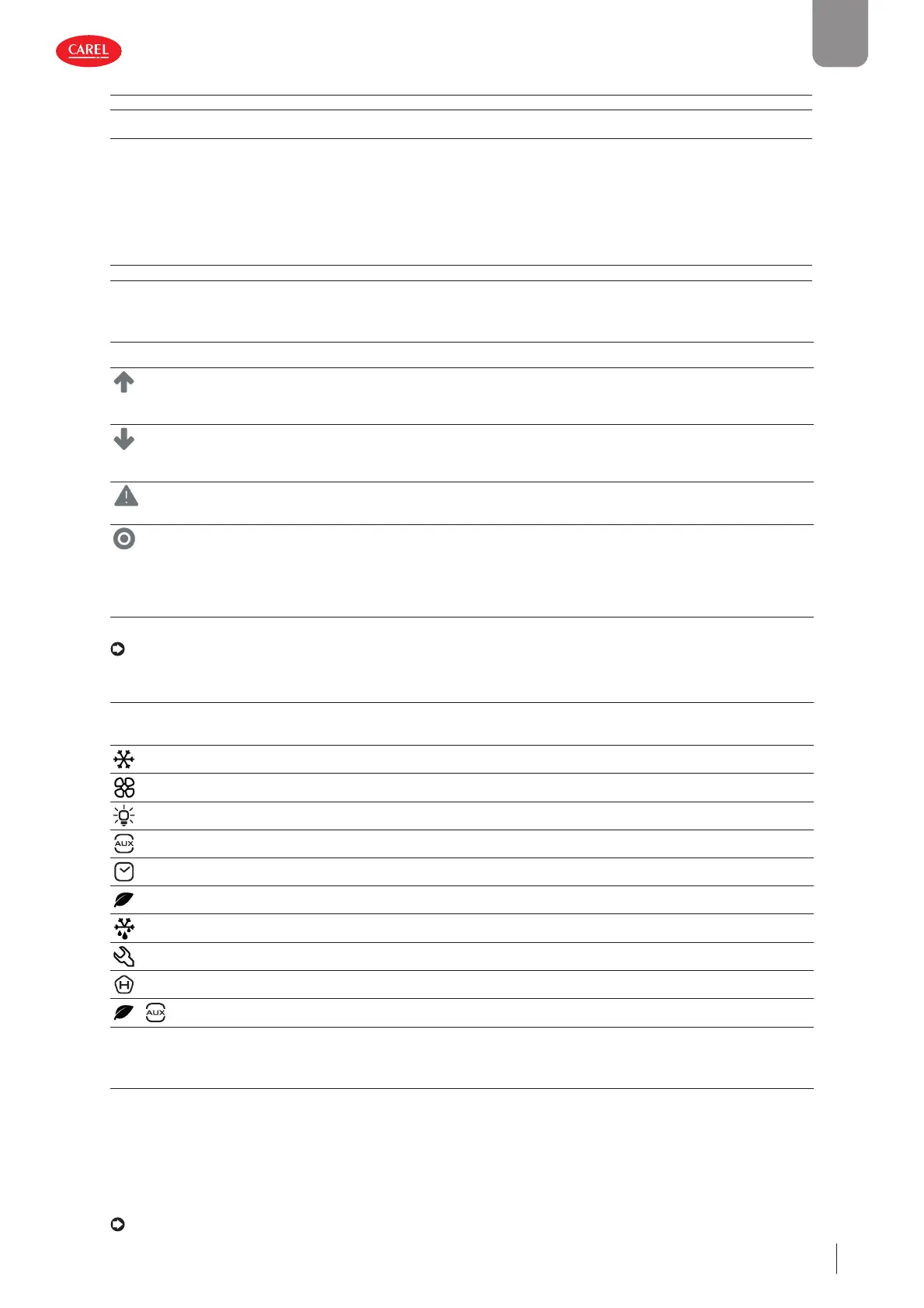
The icons provide information on device operation and/or the activation of certain functions, as shown in the table.
Icon Function On Flashing
Solenoid/compressor Solenoid/compressor active Compressor timers active
Evaporator fan Evaporator fan on -
Lights Light on -
Auxiliary output Auxiliary output active -
Clock Scheduler active -
Energy saving Smooth Lines active -
Defrost Defrost active Awaiting defrost
Service Maintenance request
HACCP HACCP active -
+
Generic function Generic function active -
Tab. 3.e
3.2.3 Standard display
At start-up, the user terminal briefl y shows “NFC”, indicating that the NFC interface is available for communication with mobile
devices, then the Firmware version, and then the standard display is shown. The standard display depends on the setting of
parameter /t1:
• control temperature (control probe temperature or calculated based on two probes, see “Functions”);
• value of one of the probes connected to the analogue inputs;
• control/virtual probe;
• temperature set point.
Notice: the message “bLE” fl ashes during the Bluetooth connection on the user terminal.











 To Next Page