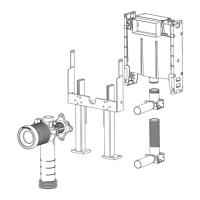
Preparation for Fitout
OR OR
31 2
1 2 3
16
Remote Button Mounting
Large Button Panel
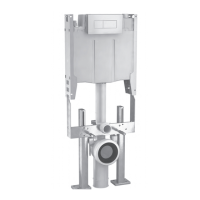
Attach the tube to the cistern as shown above. Break out tab in the Top Panel to allow the Tube to protrude
and clip the Dust Cover Panel back into position. Trim the Access Window all around so it protrudes between
10-15mm from the front face of the Dust Cover Panel. Apply tape over end of tube to prevent any dirt from
getting inside and tuck neatly back inside the large Access Window.
Attach the tube to the cistern as shown above. Break out tab in the Top Panel or Dust Cover Panel to
allow the Tube to protrude and clip back into position. Feed Pneumatic Tube through the framework and out
through the Drilled Hole. Apply tape over end of tube to prevent any dirt from getting inside and tuck neatly
back inside hole.


 To Next Page
 Loading...