EasyManua.ls Logo

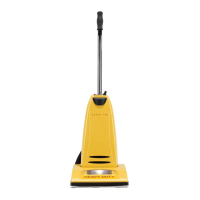
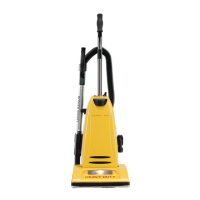
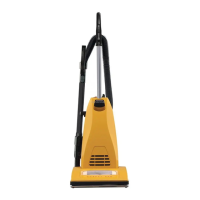
Carpet Pro CPU-4T - User Manual

Default Icon
54 pages
Print Icon
To Next Page IconTo Next Page
Loading...
Household and
Commercial Upright
Vacuums
Owner’s
Manual
CPU-3QD
CPU-3N
CPU-4N
CPU-4T
Save These Instructions

Table of Contents

Questions and Answers

  • R
    Ruth FergusonAug 6, 2025
    What to do if my Carpet Pro Vacuum Cleaner won’t pick up or has low suction?
    • J
      james99Aug 6, 2025
      If your Carpet Pro Vacuum Cleaner isn't picking up dirt or has low suction, try the following: * Install a new bag. * Install a new filter. * Remove any obstacles that may be blocking the suction.
  • C
    Christine BaxterAug 20, 2025
    Why my Carpet Pro Vacuum Cleaner won’t turn on?
    • D
      dbarnesAug 20, 2025
      If your Carpet Pro Vacuum Cleaner won't turn on: * Ensure the unit is firmly plugged in. * Replace the fuse or reset the breaker.

Summary

Important Safety Instructions

Grounding Instructions

How to Assemble and Operate the Vacuum

How to Attach the Handle to the Vacuum Cleaner

Instructions for attaching the handle to the vacuum cleaner body, including screw placement.

On;Off Switch

Explanation of how to operate the vacuum cleaner's power switch.

Handle Adjustments

How to Adjust the Handle

Guide on adjusting the vacuum cleaner handle to upright, middle, or low positions.

How to Replace the Vacuum Belt

Thermal Fuse Protection

Problem Solving Guide

Troubleshooting

Table listing common vacuum problems, check points, and possible solutions.

Carpet Pro CPU-4T Specifications

General IconGeneral
BrandCarpet Pro
ModelCPU-4T
CategoryVacuum Cleaner
LanguageEnglish

Related product manuals