62-12147 10
6. Inspect Mode
Inspect mode provides an additional layer of safety for operators and
technicians. Inspect mode should be used during all pretrip inspections of the
unit.
Inspect mode is a user activated feature that forces the unit to shutdown and
remain in shutdown regardless of operating state.
After unit inspection, Inspect mode must be manually disabled, at which point
the unit will resume standard operation.
Inspect mode is not a substitute for proper Lockout/Tagout procedures, which
are always required when servicing the unit.
6.1 Enter Inspect Mode
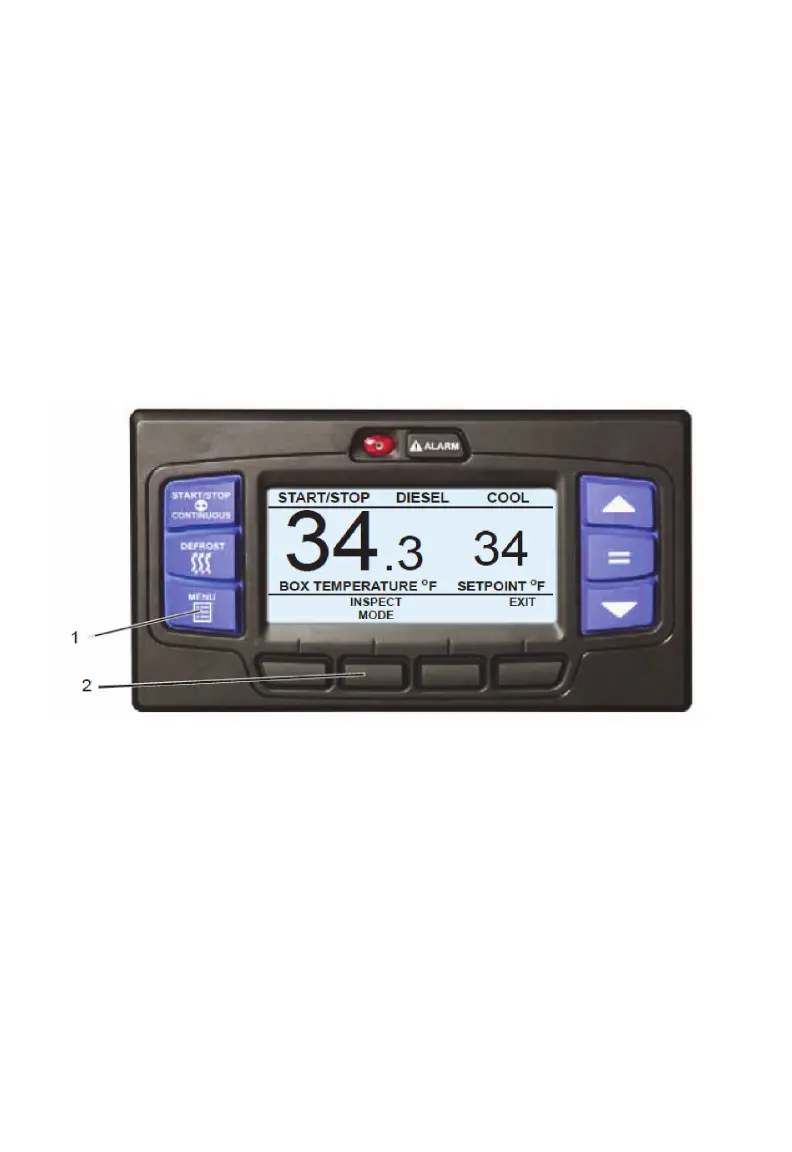
1. With the system powered up (START/RUN-OFF switch in the START/
RUN position), press the MENU key until INSPECT MODE is displayed.
2. Press the INSPECT MODE soft key, the unit will shut down.
While the unit is in Inspect mode, the ALARM light will flash and the display
will indicate that unit operation, including temperature control, has been
disabled.









 To Next Page