62-12147 32
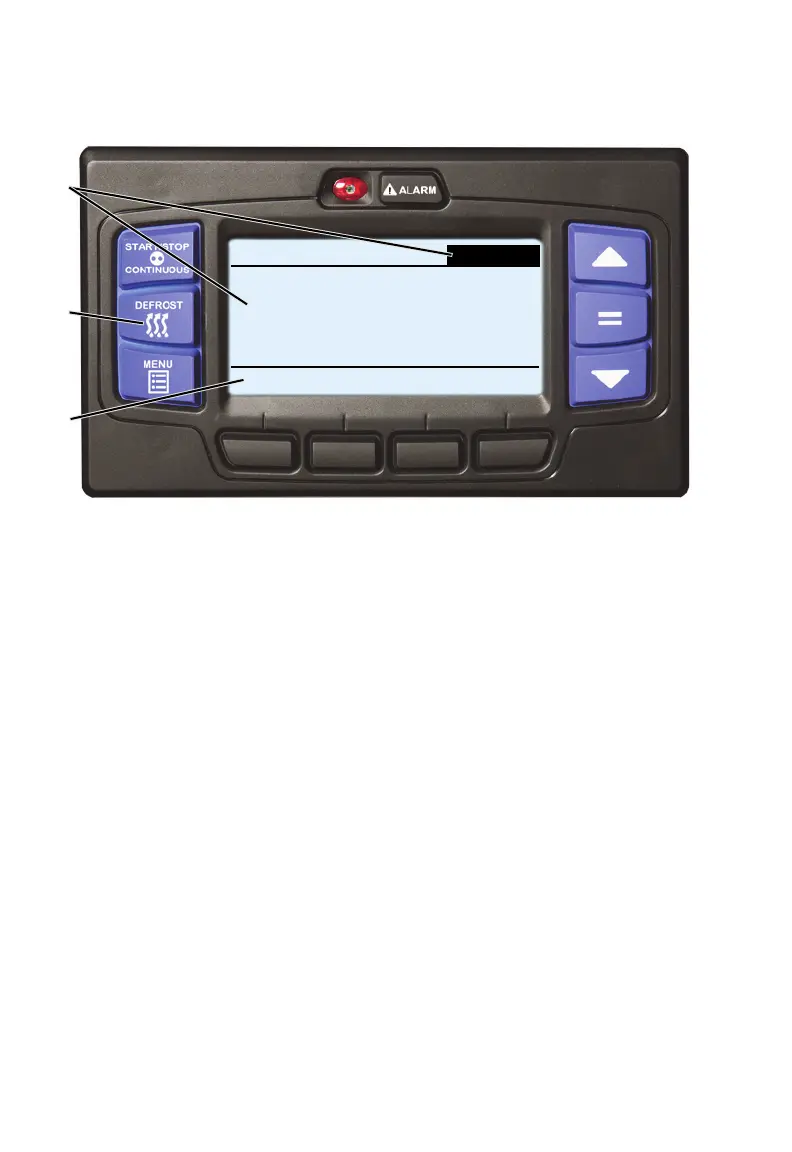
15. Manual Defrost
1. With the system powered up (START/RUN-OFF switch in the START/
RUN position) and the default screen displayed (press the BACK or EXIT
soft key if required), press the MANUAL DEFROST key.
2. If the conditions for defrost are met, the status bar and the Box
Temperature display will change to the word “DEFROST”. The
MessageCenter will display “DEFROST CYCLE STARTED” for 10
seconds. At the completion of any defrost cycle, the MessageCenter will
return to the default display.
3. If the conditions for defrost are not met, the MessageCenter will display
“CANNOT START DEFROST CYCLE” for five seconds. This message will
be activated when:
2
1
3
START/STOP DIESEL DEFROST
DEFROST CYCLE STARTED
DEFROST
SETPOINT
o
F
25









 To Next Page