14
ROOM AIR PURIFIER
1
2
3
4
Sleep mode allows the system to run normally but
the display panel will be dark. Press the button
to turn on.
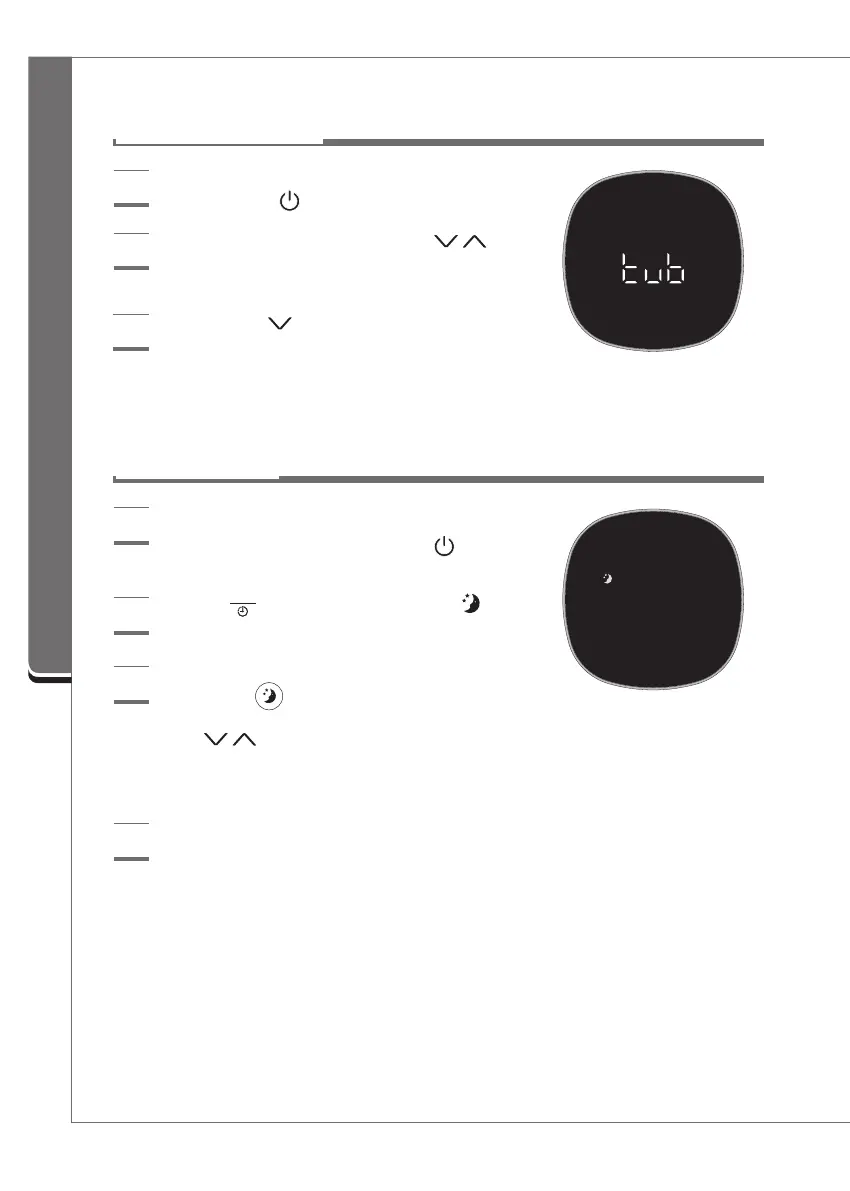
During sleep mode, the entire display panel is turned
off, except for .
►
The fan speed is set to level 1 by default. Press
the arrows to select preferred fan speed
Note:
The maximum fan speed in sleep mode is
10 to limit excess noise.
If you press the sleep button again during sleep
mode, it will operate in the previously selected mode.
►
Sleep mode will be cancelled if the unit is
turned off.
Press the button on the control panel (or button
on the Remote Control) to select the Sleep mode.
If you press the button on the control panel (or
on the Remote Control), the fan speed will change to
level 18, and Turbo Fan Operation will stop. You can
now set your fan speed to any preferred level.
3
Sleep Operation
Product Operation
Turbo mode allows the room's air to be filtered
faster. Press the button to turn the product on.
1
Set Turbo Fan Operation by pressing the
buttons on the control panel simultaneously for
three seconds.
2
Turbo Fan Operation




 To Next Page