Using the xploview software
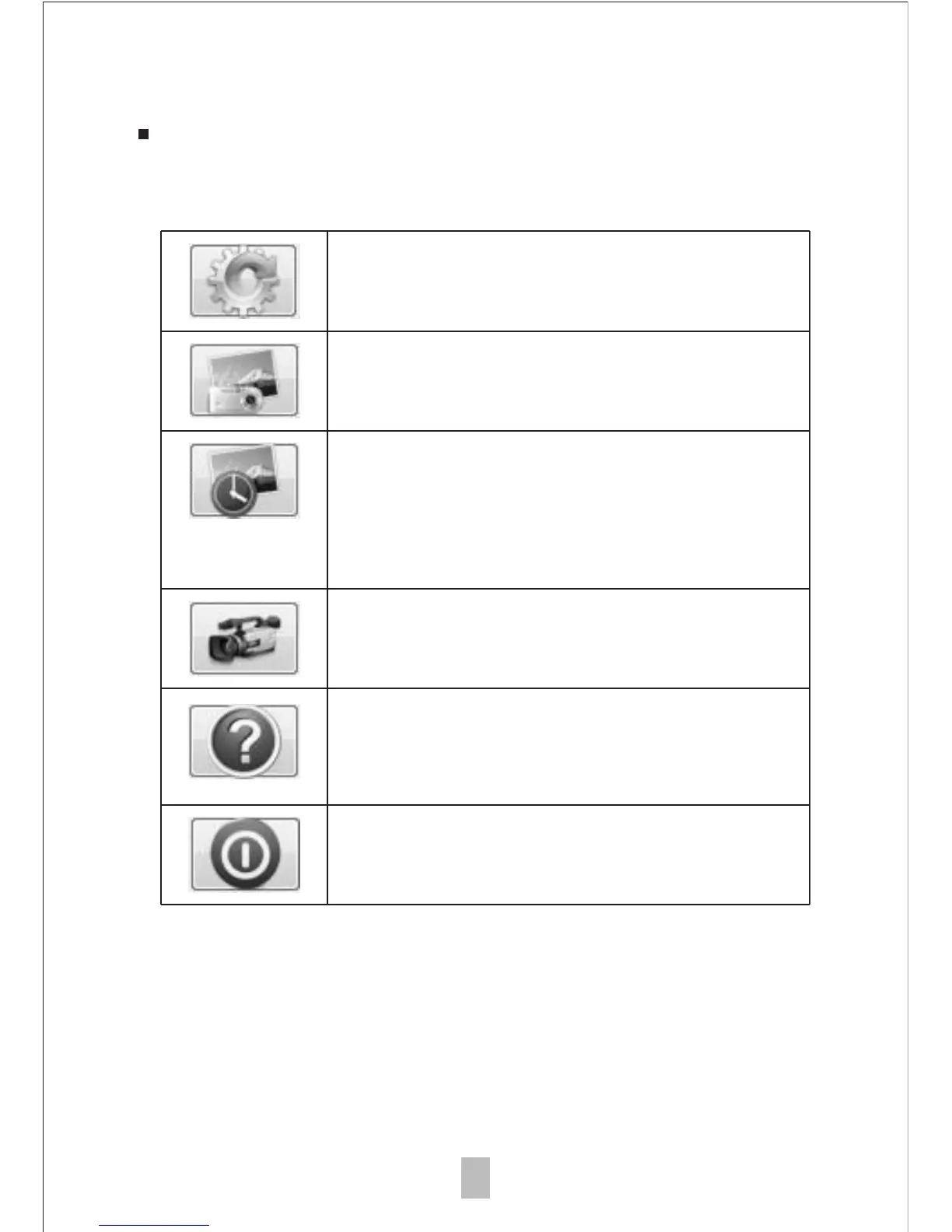
The following buttons are available:
Clicking this will open the system
settings menu (see next section).
Clicking this will activate or deactivate
the video recording feature.
Clicking this will show the copyright and
version information of the application
software.
Clicking this will shut down the
application software.
Clicking this will capture the on
screen image of the device.
Clicking this will activate or deactivate
the timed shot feature. When activated,
images will be captured at a regular
interval.
13



 To Next Page