16
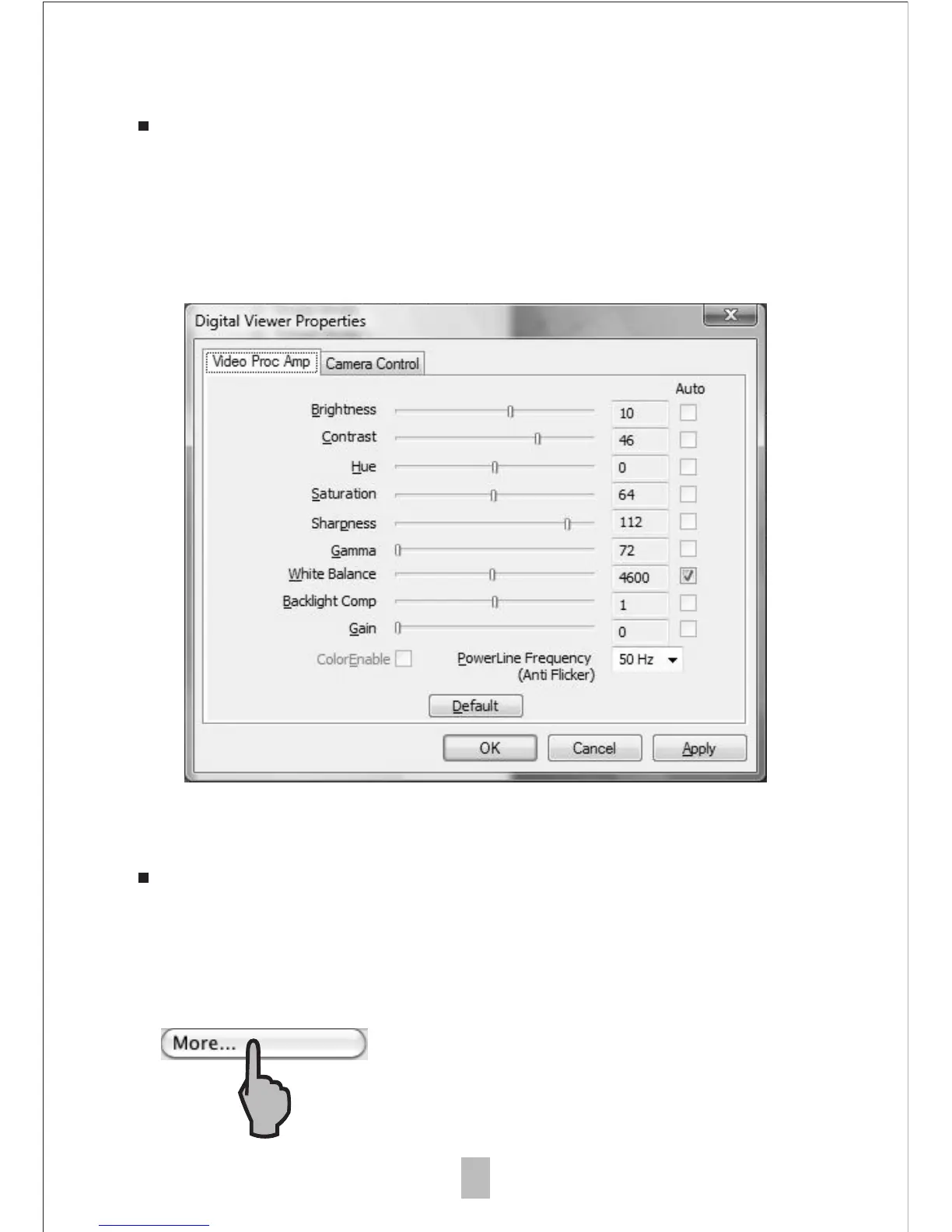
Advanced settings
By clicking the "More..." button on the right of the system
settings menu, you will be able to manually adjust all of the
image settings. Note that the settings available may be
different, depending on your operating system.
Saved files
With the xploview application software opened, you can
locate the saved files folder by clicking the "More..." button
located on the left of the main software window.



 To Next Page