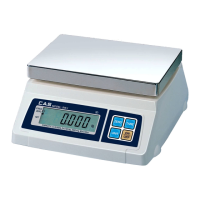
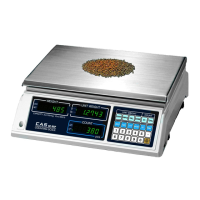
● Turn on the ON/OFF switch. Then, the display will show all the segments and
count up "9" to "0".
● When the weight becomes stable the display shows the stable sign (
) on.
● You may need to make it "0.000" by pressing
key unless the display
indicate "0.000" under the empty platter.
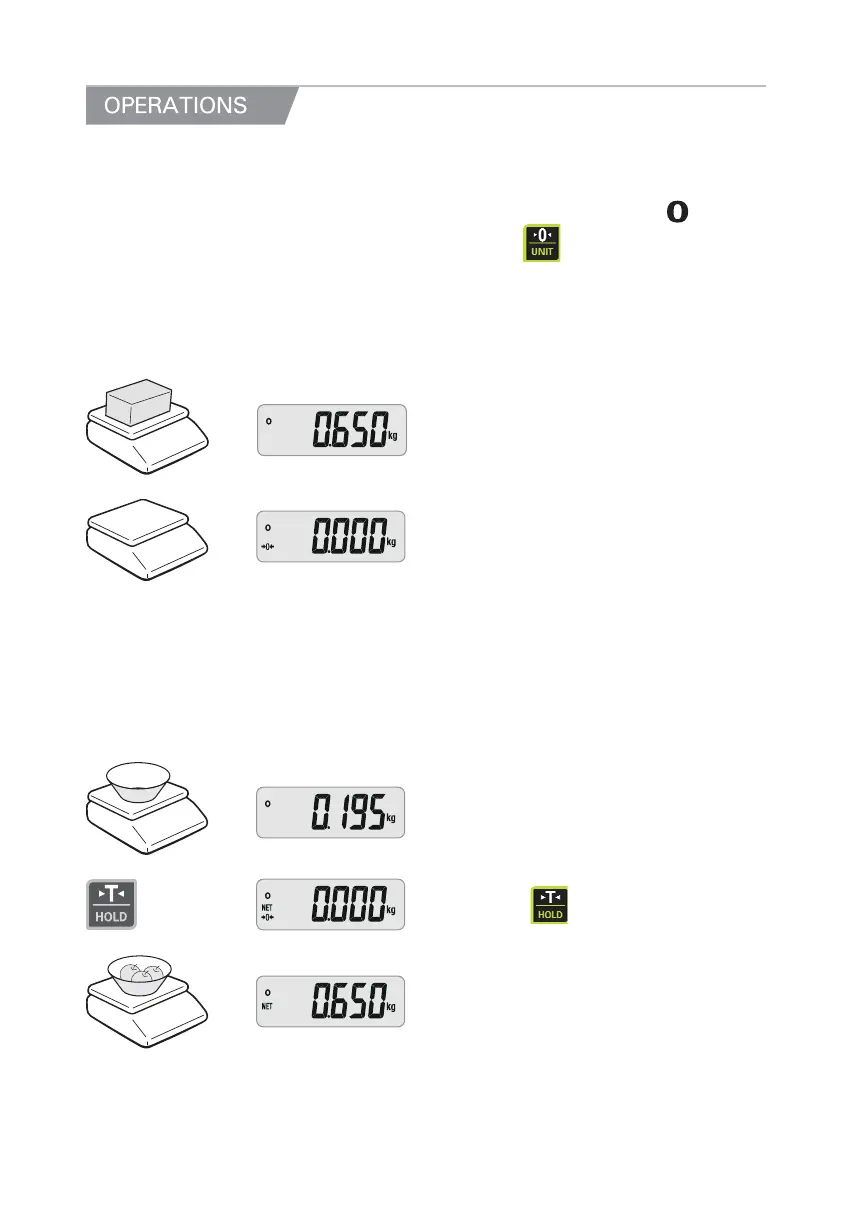
1. Simple Weighing Mode
① Place a commodity on the platter.
② Remove the commodity from the platter.
2. Weighing with Tare
● TARE means the weight of container being used for a commodity.
● TARE key function is to subtract the weight of the container from full weight loaded.
Place a container on① the platter.
② Press the
key.
③ Place a commodity into the container, then
the display will show only the weight of the
commodity.
8



 To Next Page
 Loading...