28 8305557-R2
PRINTER EQUIPPED
FK0558.eps
2
4
5
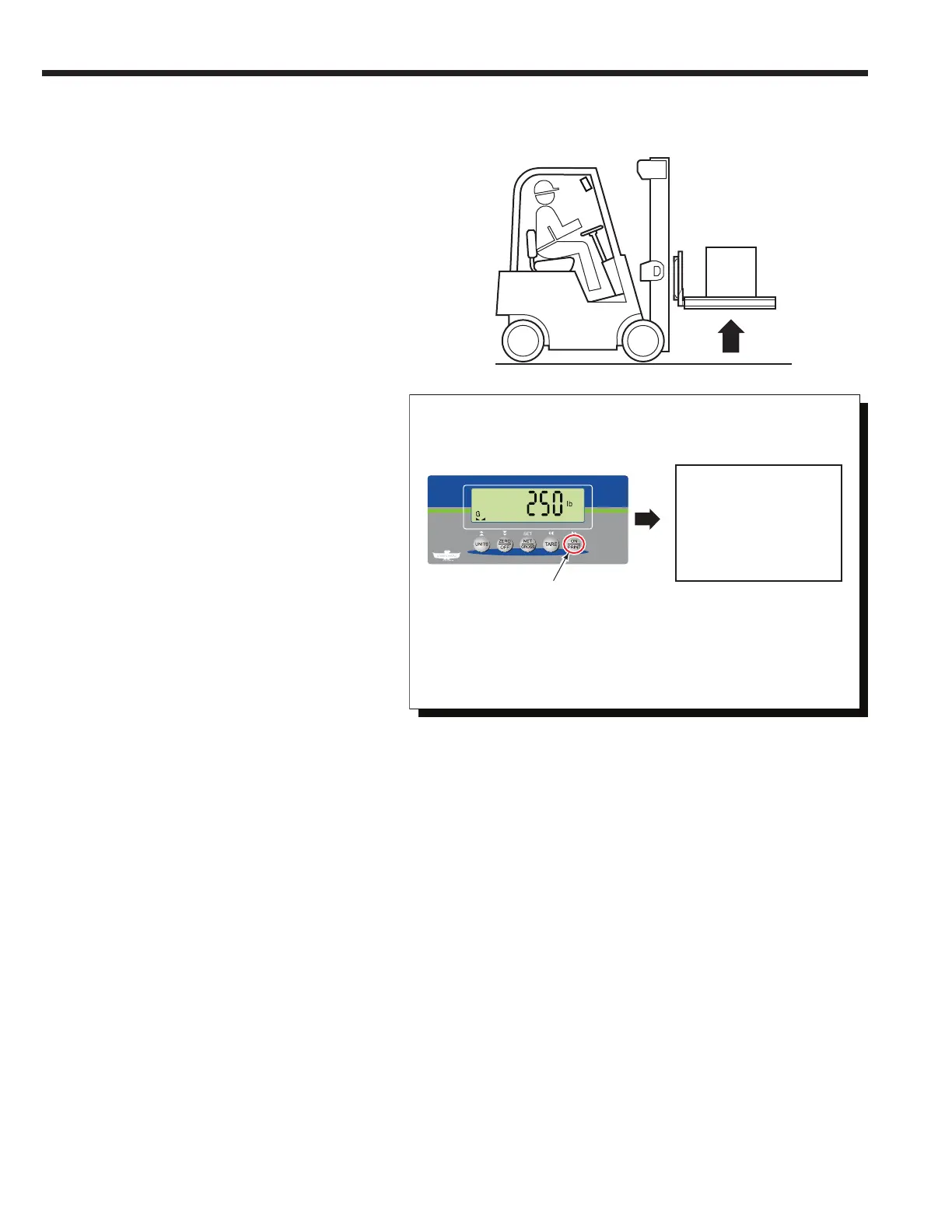
4 Press the "ON/PRINT" button to print.
5 Printer will print out load weight.
ID. No. 123456
GROSS 255.0 lb.
TARE 50 lb.
NET 205.0 lb.
DATE 09/15/2018
Print Weight (Normal Weighing Mode)
1 If required, zero the indicator.
2 Position load on forks and raise forks.
3 Weigh the load.
Load
• TARE and NET fields will not
print unless established.
• ID number and/or date will
not print, it's disabled. To
enable, refer to Service
Manual, part no. 6910417.



 To Next Page