SECTION 2 - CONTROLS, INSTRUMENTS AND OPERATION
2ï50
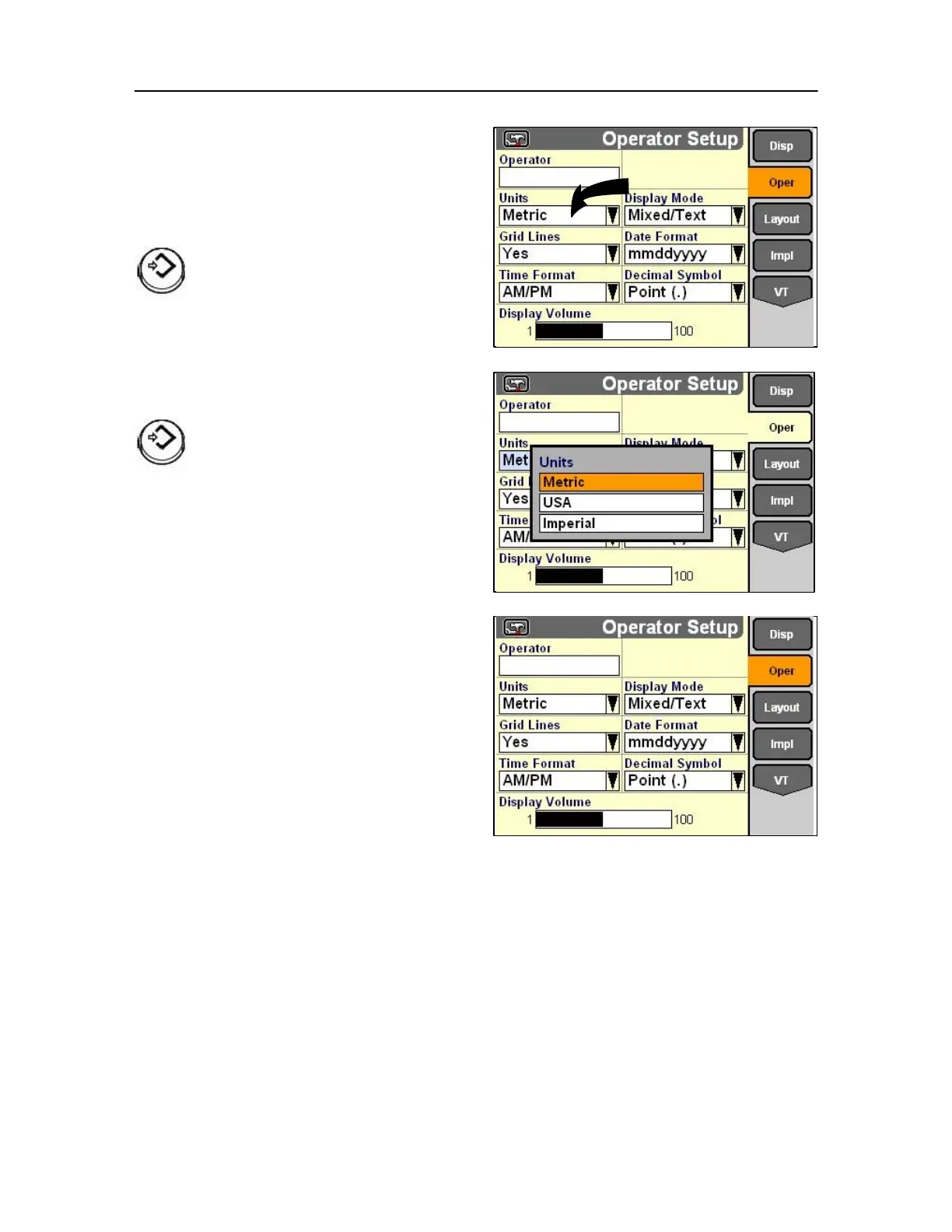
Highlight the Units field to select the preferred units of
measurement.
Press Select or touch to display the pop-up options list.
The field changes Colour when selected.
Using the soft key or rotary encoder or touch
screen highlight your preference, (Metric, USA or
imperial).
Press Select or touch to confirm the change.
Then repeat the process for the following
• Display mode (mixed icons and text)
• Grid lines (screen display visual preference)
• Date format
• Time format
• Decimal number format
• Display volume



 To Next Page