SECTION 2 - CONTROLS, INSTRUMENTS AND OPERATION
2ï67
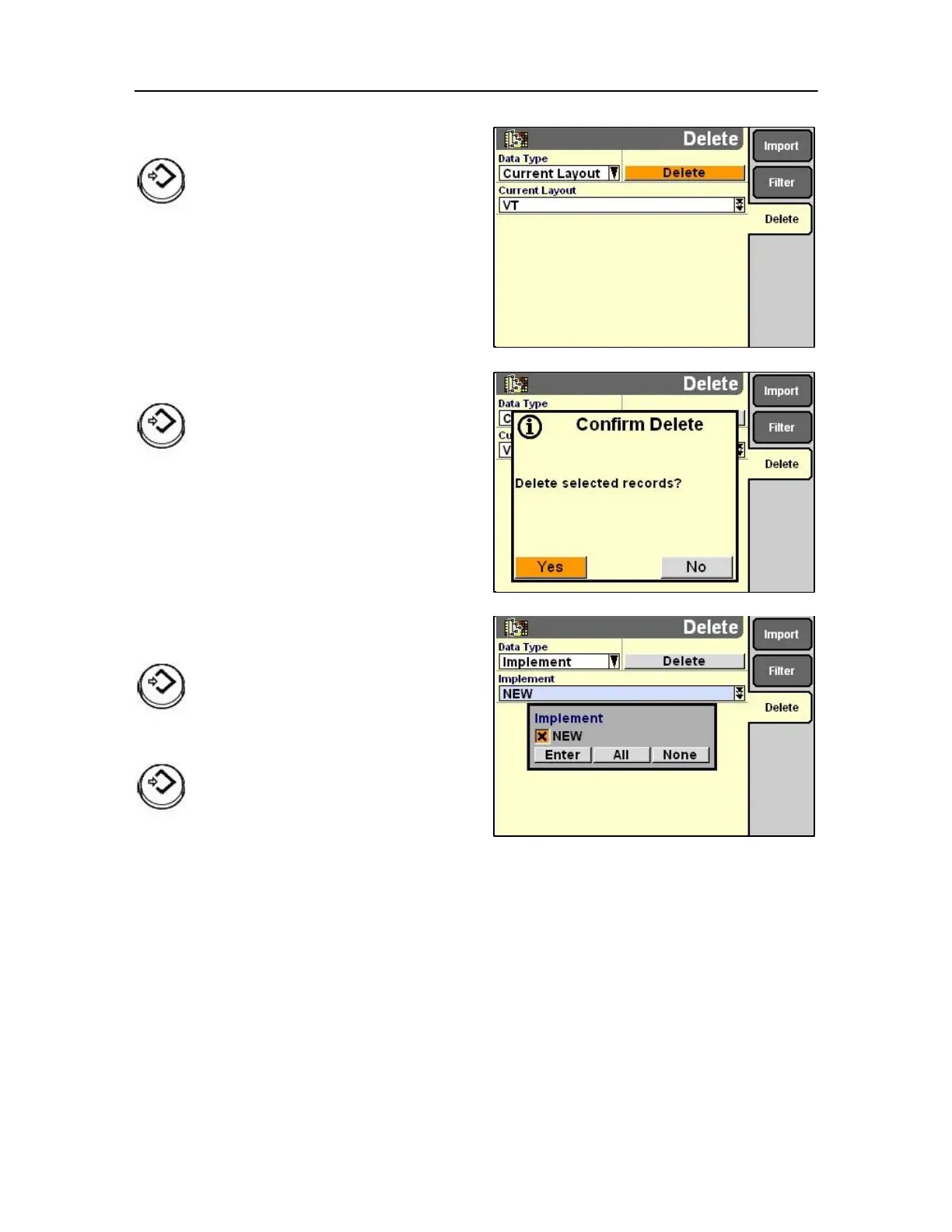
Press Select or touch to confirm the request Highlight
the Delete field
Press Select or touch to confirm the
request
Confirm delete
Press Select or touch to confirm the request
On confirmation of deletion a new pop-up screen
appears.
Press Select or touch to access the pop-up list.
Press Select or touch to confirm the request
IMPORTANT: The majority of the screens discussed so far
were not applicable to the Baler function.
However should these monitors be used in
other situations then it is possible what has
been discussed will be relevant.



 To Next Page