SECTION 2 - CONTROLS, INSTRUMENTS AND OPERATION
2ï86
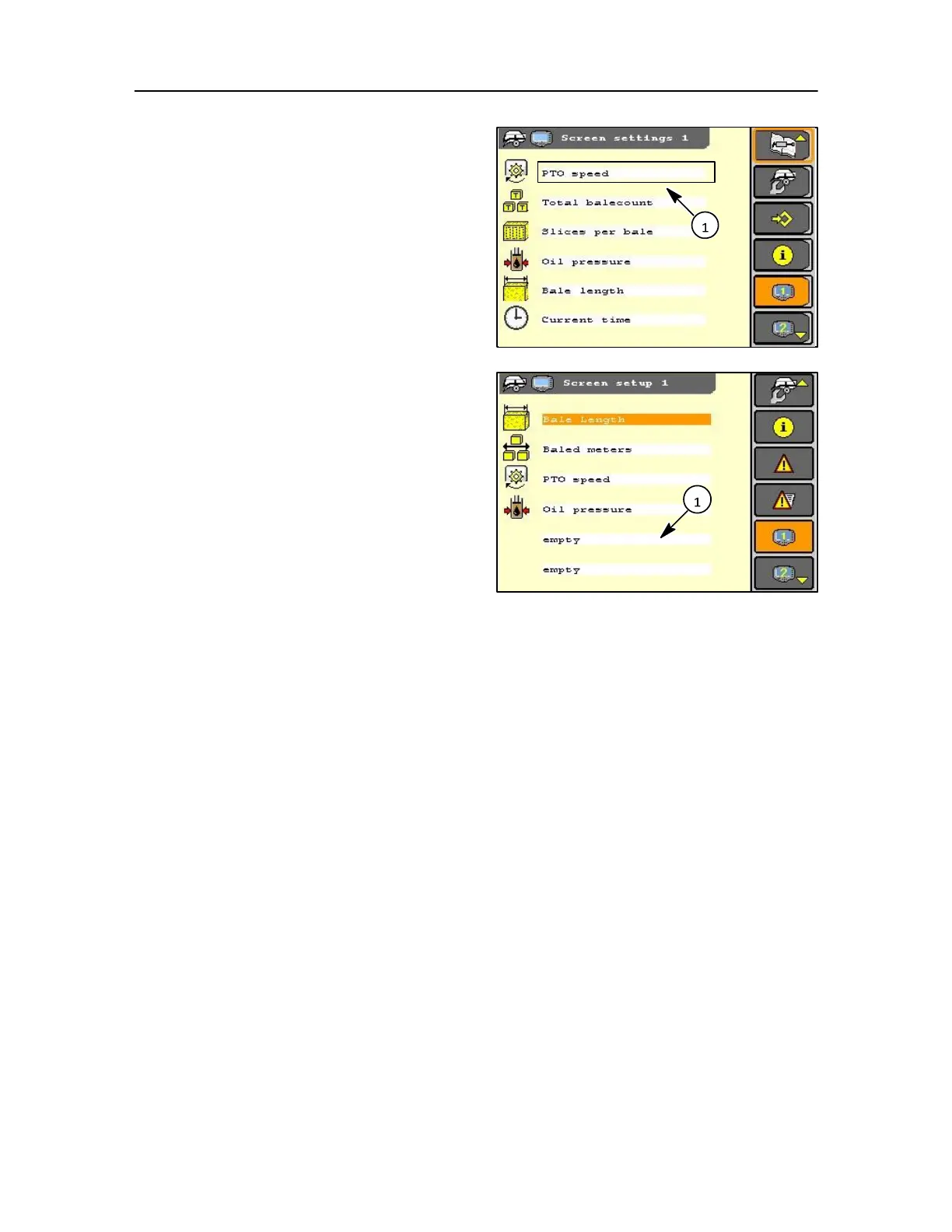
As shown with options fitted up to 14 different
selections can be made in each of the six screen
fields shown opposite.
Using the navigation keys, rotary encoder or touch
screen, select each field (1) to display the Menu.
From the menu select the item you want shown in that
field.
NOTE: Twelve fields are available for a possible 14 items
(where additional options are fitted). Where minimal
screen options are required then select empty to clear an
icon.



 To Next Page