www.casellasolutions.com
Introduction
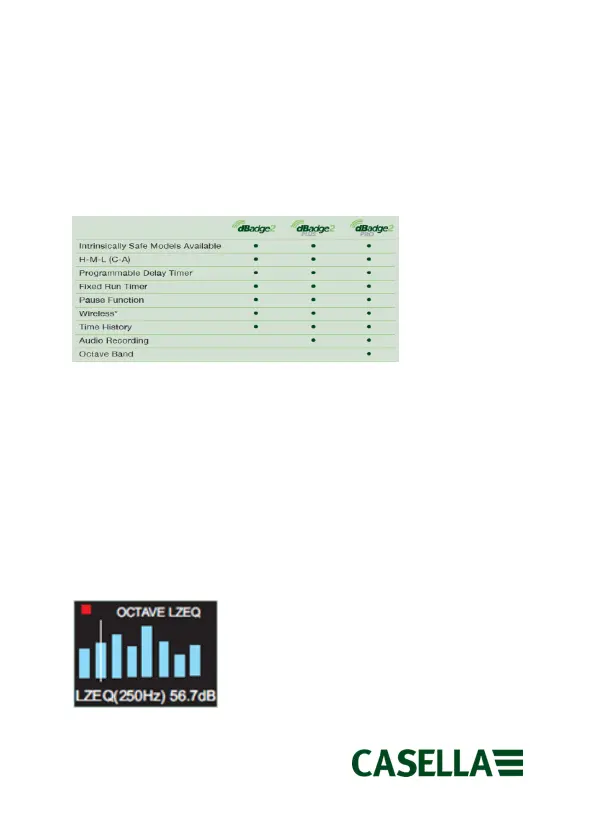
The dBadge2 is available in one of three models, described in the
table below. Intrinsically Safe versions of these models are also
available.
*Bluetooth may be disabled if not required
Switching On/Off
To switch the dBadge2 on, press and release the left hand key. The
display will show a number of start-up screens which include the
dBadge2 logo, specific model type (PLUS/PRO), serial number and
firmware version followed by an indication of battery, memory and
Bluetooth® status. You can navigate and review data from the
previous run by pressing the left or right keys.



 To Next Page