E-12
To specify your Home City
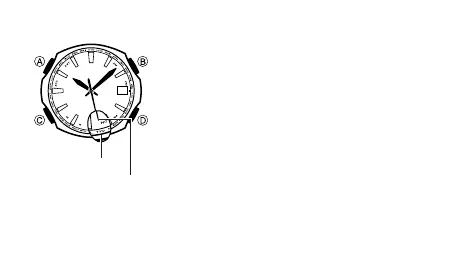
1. Press C to enter the World Time Mode.
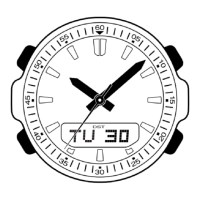
2. Use D to move the second hand clockwise to the city
code you want to use as your Home City.
• Note that it can take as long as one minute for the
hands to move to the applicable time.
• All operations except for the following are disabled
while the watch’s hands are moving to the current
time for a newly selected city code.
D: City selection
C: Timekeeping Mode
• For information about the Home City, see “Home City
Codes and Transmitters” (page E-14). The watch will
receive the time calibration signal of the transmitter of
the selected city code.
30
Second hand
City code



 To Next Page