E-44
Manual Home Position Correction
Strong magnetism or impact can cause the hands and/or day setting to be off, even if
the watch is able to perform the signal receive operation. If this happens, perform the
following home position correction procedure.
• Hand home position correction is not required if the time and day settings are
correct.
• You also can use auto hand home position correction (page E-41) to correct the
home positions of the second, minute, and hour hands.
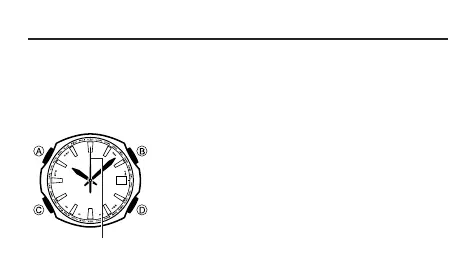
1. In the Timekeeping Mode, hold down B for about three
seconds until the second hand stops. Release B at
this time.
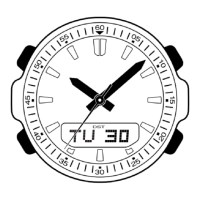
2. Check the second hand position.
• Home Position
Second hand: 12 o’clock
3. If the second hand home position is off, use D to move
it clockwise to correct it.
30
Second hand



 To Next Page