E-35
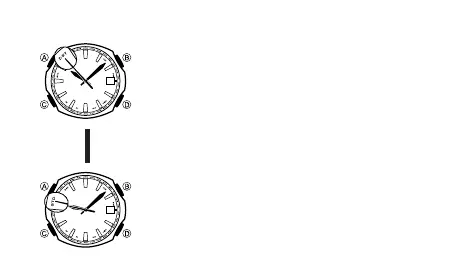
To change the STD/DST setting of a particular city code
1. In the World Time Mode, use D to select the city
whose setting you want to change.
2. Hold down A for about two seconds to toggle between
daylight saving time and standard time.
• Changing the setting will cause the second hand to
move to STD or DST.
• The second hand will return to the city code you
selected in step 1 after about five seconds or if you
press A again.
• If you want to configure other settings, wait until the
second hand moves back to the city code before
proceeding.
• You can select STD or DST for each World Time city
code, except UTC.
30
30
Hold down
A for two
seconds.
▲
▲



 To Next Page