E-36
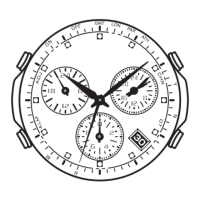
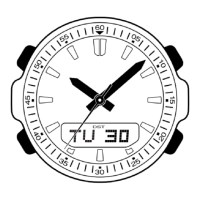
To check the STD/DST setting for a World Time Mode city
1. In the World Time Mode, use D to select the city whose setting you want to check.
2. Press A and the second hand will move to either STD or DST.
• The second hand will return to the city code you selected in step 1 after about five
seconds or if you press A again.



 To Next Page