E-37
Configuring Time and Date Settings Manually
You can use the following procedures to adjust the time and date settings when the
watch is unable to receive a time calibration signal for some reason.
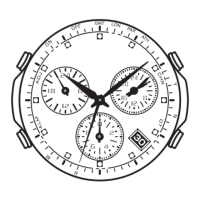
1. In the Timekeeping Mode, keep A depressed (for about five seconds) as the
second hand moves to the last signal reception result (Y or N), then to READY (or
R for some models), and then AM or PM.
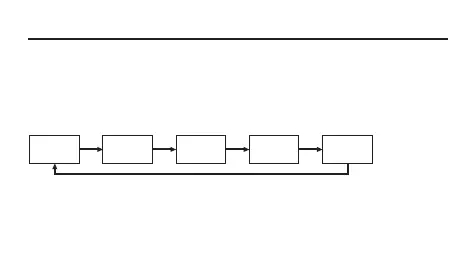
2. Use C to cycle through available settings in the sequence shown below.
Hour and
minute
C
Year
(10s digit)
C
Year
(1s digit)
C
C
Month
C
Day
• See “To specify your Home City” (page E-12) for details about selecting a Home City.



 To Next Page