E-42
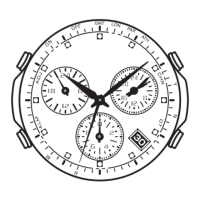
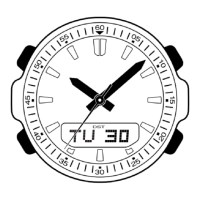
To trigger the auto hand home position correction operation manually
• Perform the following procedure when the time setting is
off.
In the Timekeeping Mode, hold down B for about six
seconds until the second hand completes one full
revolution.
• Though the second hand will stop momentarily about
three seconds after you hold down B, do not release
the button yet. Wait until the second hand completes a
full revolution before you release B.
• To interrupt an ongoing correction operation and return
to the Timekeeping Mode, press B again.
• If you release B when the second hand stops the first time (after about three
seconds) in the above operation, the watch will enter the manual home position
correction mode, which is described under “Manual Home Position Correction” (page
E-44). If this happens, press A to return to the Timekeeping Mode and then perform
the above operation again.
30



 To Next Page