E-46
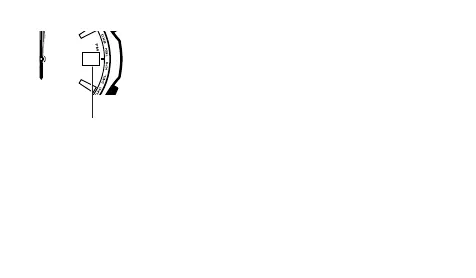
6. Press C to change to day correction.
• This causes the day to move to its home position.
• Home Position
Day: 1
7. Use D (+) and B (–) to correct the day indication.
• Each press of D or B moves the day indicator very
slightly. Keep pressing the applicable button until the
day is aligned the way you want.
8. Press A to exit home position correction and return to
normal timekeeping.
• If you press C instead of A, the watch will return to
step 1 (second hand home position adjustment) of this
procedure.
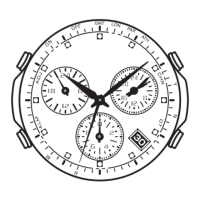
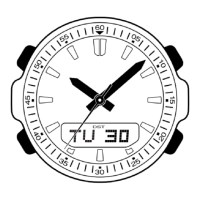
Check to make sure that the time and day are being
indicated correctly.
1
Day



 To Next Page