E-56
Operation
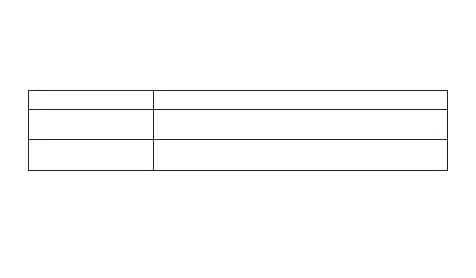
Second hand only is stopped, all other functions are
enabled.
• All functions, including analog timekeeping, disabled
• Internal timekeeping maintained
Elapsed Time in Dark
60 to 70 minutes
(second hand sleep)
6 or 7 days
(function sleep)
Power Saving
Power Saving enters a sleep state automatically whenever the watch is left for a
certain period in an area where it is dark. The table below shows how watch functions
are affected by Power Saving.
• There actually are two sleep state levels: “second hand sleep” and “function sleep”.
• Wearing the watch inside the sleeve of clothing can cause it to enter the sleep state.
• The watch will not enter the sleep state between 6:00 AM and 9:59 PM. If the watch
is already in the sleep state when 6:00 AM arrives, however, it will remain in the
sleep state.



 To Next Page