I can’t reconnect the watch
and phone.
Q1
The watch will not re-connect with the
phone after they are disconnected.
Is the CASIO WATCHES phone app
running?
The watch cannot re-connect with your
phone unless CASIO WATCHES is
running on the phone. On your phone’s
Home Screen, tap the “CASIO
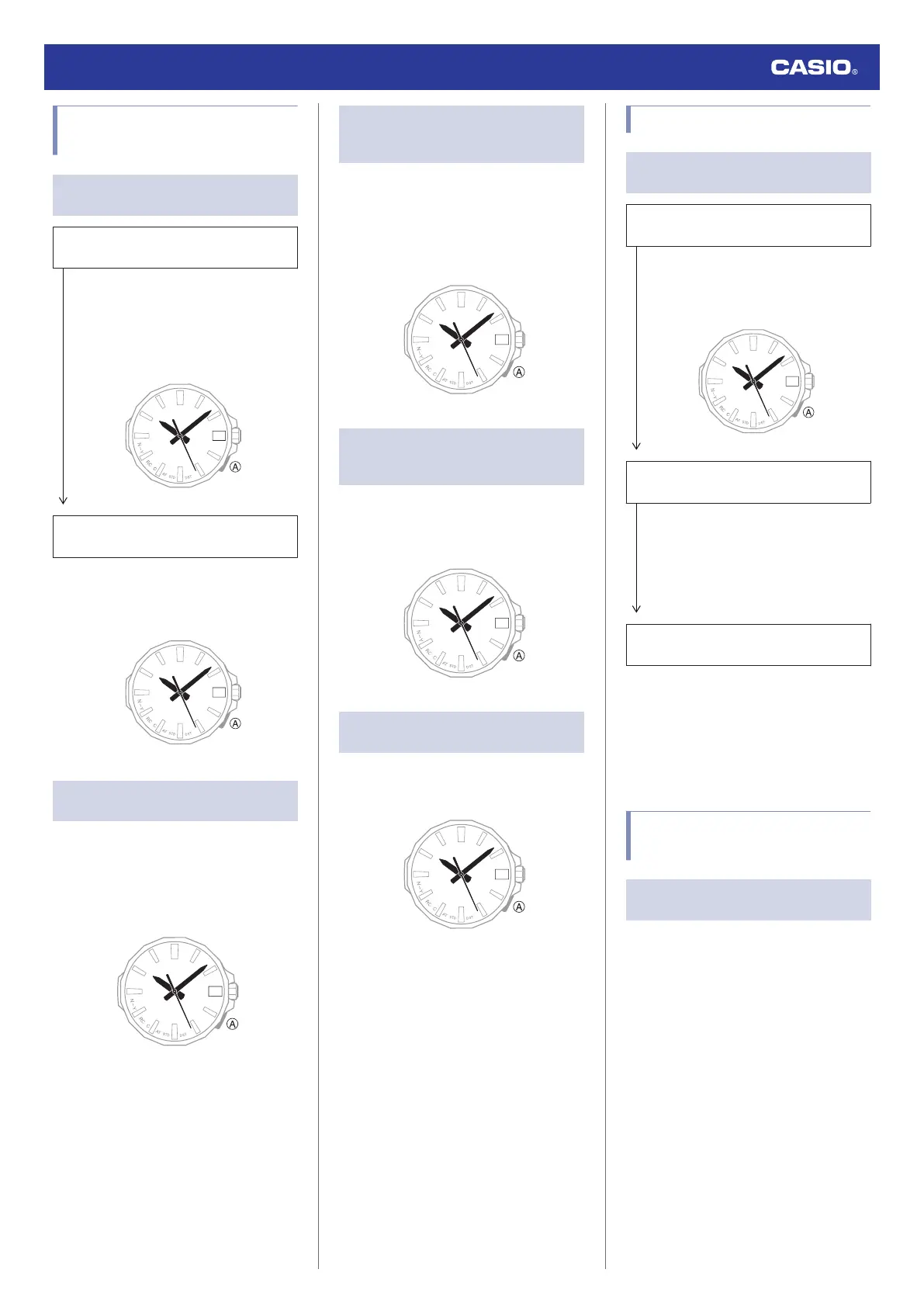
WATCHES” icon. Next, on the watch, hold
down (A) for at least 2.5 seconds.
Have you tried turning your phone off and
then back on again?
Turn your phone off and back on, and then
tap the “CASIO WATCHES” icon. Next,
on the watch, hold down (A) for at least 2.5
seconds.
Q2
I can’t connect while my phone is in
the Airplane Mode.
Connection with the watch is not possible
while your phone is in the Airplane Mode. After
disabling the phone’s Airplane Mode, go to the
phone’s Home Screen and tap the “CASIO
WATCHES” icon. Next, on the watch, hold
down (A) for at least 2.5 seconds.
Q3
I can’t establish a connection after
disabling the auto time correction on
the watch.
On the watch, enable auto time correction and
then hold down (A) for at least 2.5 seconds.
l
Using CASIO WATCHES to Configure
Settings
l
Using Watch Operations to Configure
Settings
Q4
I changed the phone’s Bluetooth
from enabled to disabled, and now I
can’t connect anymore.
On your phone, re-enable Bluetooth, and then
go to the Home Screen and tap the “CASIO
WATCHES” icon. Next, on the watch, hold
down (A) for at least 2.5 seconds.
Q5
I can’t connect after turning off the
phone.
Turn your phone off and back on, and then tap
the “CASIO WATCHES” icon. Next, on the
watch, hold down (A) for at least 2.5 seconds.
Phone-Watch Connection
Q1
I can’t establish a connection
between the phone and watch.
Have you tried turning your phone off and
then back on again?
Turn your phone off and back on, and then
tap the “CASIO WATCHES” icon. Next,
on the watch, hold down (A) for at least 2.5
seconds.
Has the watch been re-paired with the
phone?
After deleting pairing information from the
CASIO WATCHES phone app, re-pair
them.
l
Deleting Pairing Information from the
CASIO WATCHES phone app
l
C
Pair the watch with a phone.
If you are unable to establish a
connection...
Use the procedure below to delete the
pairing information from the watch, and
then re-pair the watch and phone.
l
Deleting Pairing Information from the
Watch
l
C
Pair the watch with a phone.
Changing to a Different
Phone Model
Q1
Connecting the current watch to
another phone.
Pair the watch with the phone.
l
If you purchase another phone
Watch Operation Guide 5728
20



 To Next Page