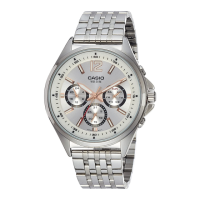
Using the Crown
●
Pulling Out and Pushing In the Crown
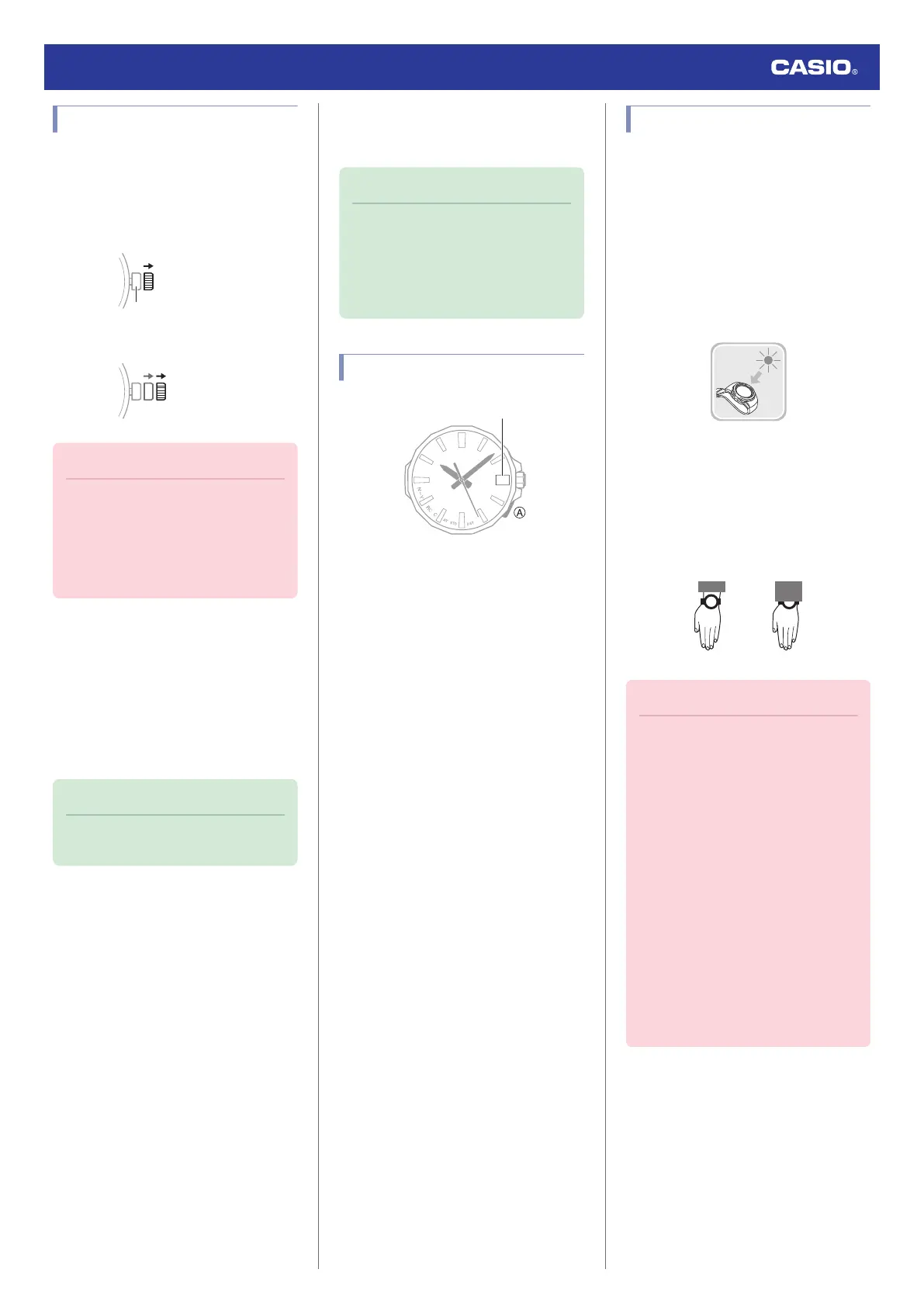
To perform a crown operation, pull it out to the
first or second click and then rotate it. Do not
pull the crown with too much force.
First click
Second click
Important!
●
To prevent loss of water resistance
and/or damage due to impact, be sure
to push the crown back in after you are
finished using it.
●
When pushing the crown back in, take
care not to apply too much force.
●
Fast Forward/Fast Reverse
After pulling out the crown to the second click,
rotating it quickly in succession in either
direction will start a fast forward or fast reverse
operation. While adjusting the time setting
manually using watch operations, rotating the
crown quickly in succession again while a fast
forward operation is in progress will cause the
hour and minute hands to move faster.
Note
●
The second hand cannot be fast-
forwarded or fast-reversed.
●
Stopping Fast Forward/Fast Reverse
Rotate the crown in the direction opposite that
of the ongoing operation or press any button.
Note
●
If you do not perform any operation for
about two minutes after pulling out the
crown, crown operations will
automatically become disabled. If that
happens, push the crown back in and
then pull it out again.
Day Indicator Movement
●
It can take anywhere from about 10 to 40
seconds for the day indicator to change
after timekeeping reaches midnight.
●
The day may not be indicated correctly
while the watch’s crown is pulled out.
Charging
This watch runs on power supplied from a
rechargeable (secondary) battery that is
charged by a solar panel. The solar panel is
integrated into the face of the watch, and
power is generated whenever the face is
exposed to light.
●
Charging the Watch
When you are not wearing the watch, put it in
a location where it is exposed to bright light.
While you are wearing the watch, make sure
that its face (solar panel) is not blocked from
light by the sleeve of your clothing. Power
generation efficiency is reduced even when
the face of the watch is blocked only partially.
Important!
●
Some light sources and environments
can cause the watch to become
extremely hot during charging, which
creates the risk of burn injury and
damage to internal watch
components.
Avoid charging the watch under
conditions like the ones described
below, where the temperatures may
exceed 60 °C (140 °F).
ー
On the dashboard of a vehicle
parked in the sun
ー
Near incandescent lamps, camera
lights, halogen lamps, or other
sources of heat
ー
In locations exposed to direct
sunlight for long periods and other
hot locations
Watch Operation Guide 5728
7



 To Next Page