Recording Your Keyboard Play
EN-53
5.
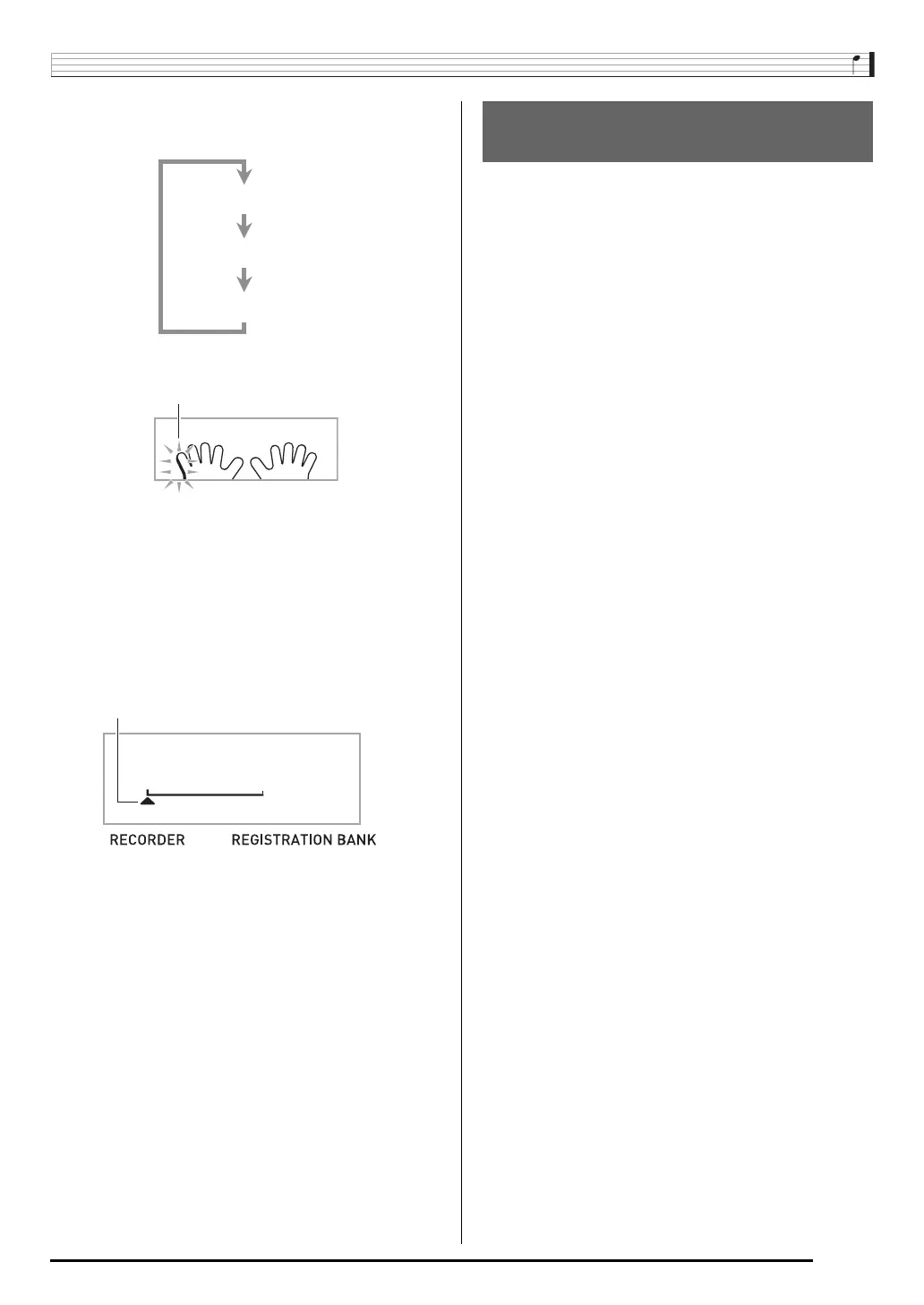
Press
to cycle through the parts in the
sequence shown below.
•Configure tone and tempo settings at this time as well.
6.
Press
to start built-in song playback and
recorder recording.
Play along with the playback.
• To stop recording part way through, press
.
7.
Recording will stop automatically when the end
of the built-in song is reached.
This will enter playback standby.
8.
Press
.
This will start playback of what you recorded.
• Each press of
starts and stops playb ack.
9.
Press
twice to exit the recorder mode.
■ To delete recorded data
After step 2 of the above procedure, do hold down
until
the message “Song Del?” appears on the display. Press [+]
(YES) to delete the song.
You can save data you record with the Digital Piano onto a
memory card or on your computer’s hard disk. In the case of a
memory card, you can save recorded song data as a standard
MIDI file (SMF 0 format).
■ To save data to a memory card
See page EN-60.
■ To save data on your computer’s hard disk
See page EN-67.
Example: Left-hand part recording
Right-hand Recording
Both-hand Recording
Left-hand Recording
Saving Recorded Data on an
External Device


 To Next Page