10
Chapter 1: Getting Ready
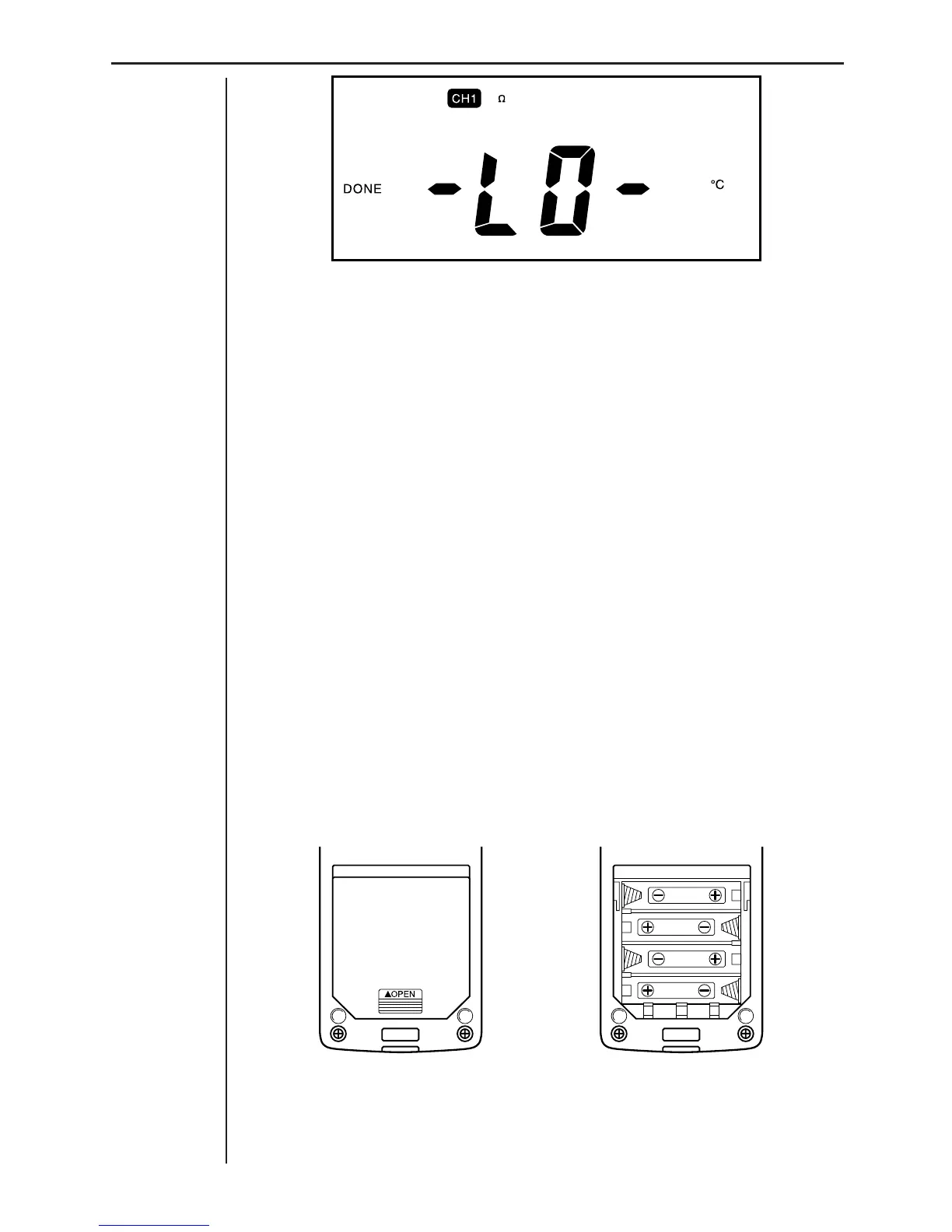
• Voltage: Less than –10V
• Temperature: Less than –20°C
• Light: Less than 100
Power Supply
The data analyzer can be powered by four AA-size batteries or an optional
AC adaptor (AD-A60024). This section tells you when you should replace
batteries and how to connect the optional AC adaptor.
Batteries
The data analyzer can be powered by four AA-size batteries. Battery life
depends on how long you leave the data analyzer turned on, and the amount
of current required by the probes you use. A low battery message appears
on the display whenever battery power drops below a certain level.
Note that you can extend battery life by using the optional AC adaptor (AD-
A60024) whenever possible.
To load batteries
1. Holding the data analyzer unit upright, press down on the {!OPEN} part
of the battery compartment cover and slide the cover off.
If you are replacing batteries, remove all four old batteries from the com-
partment.













 To Next Page